Eleven AI clips, one film, and a website you scroll through like a walkthrough.
A scroll-driven microsite for SAHI Homestay Retreat in Hue, Vietnam — where the background video is the navigation. Each scroll plays the film forward to the next architectural moment.
I had eleven four-second AI video clips of one building — SILAA Architects’ SAHI Homestay Retreat in Hue (2019, a 1,300 m² L-shaped plan balancing private rooms against communal spaces). Each clip was generated separately, so each one ends in a motion-blurred hand-off into the next.
The usual move is to cut them into a reel and post it. Instead, the whole film became the backbone of a website: full-bleed, fixed to the viewport, and driven by the scroll wheel. You don’t navigate past the film — you navigate with it, one architectural moment at a time, like being walked through the building by the person who designed it.
Stitch first, and encode for scrubbing.
The eleven clips came out of the generator at two slightly different resolutions, so the stitch is a re-encode: every clip scaled and cropped to one frame size, concatenated in order, 24 fps throughout.
Then the encode that makes the whole idea possible: a second copy where every frame is a keyframe (-g 1). A normal web video has a keyframe every few seconds, and seeking between them is slow and lands approximately — fine for watching, useless for scrubbing. All-intra means the browser can jump to any frame, in either direction, instantly. The file gets bigger; the interaction gets possible. Two other non-negotiables: strip the audio track (the page supplies its own), and host it somewhere that supports HTTP range requests, or seeking silently breaks.
Find the eleven frames the site rests on.
Every source clip turned out to be exactly 97 frames long. That mattered more than expected: deriving scene boundaries from the video’s reported duration drifted by a few frames per scene (container padding), enough to land “resting frames” inside the next shot’s motion blur. Counting actual frames — scene i starts at i × 97 ÷ 24 seconds — made every slide rest on a clean, composed still.
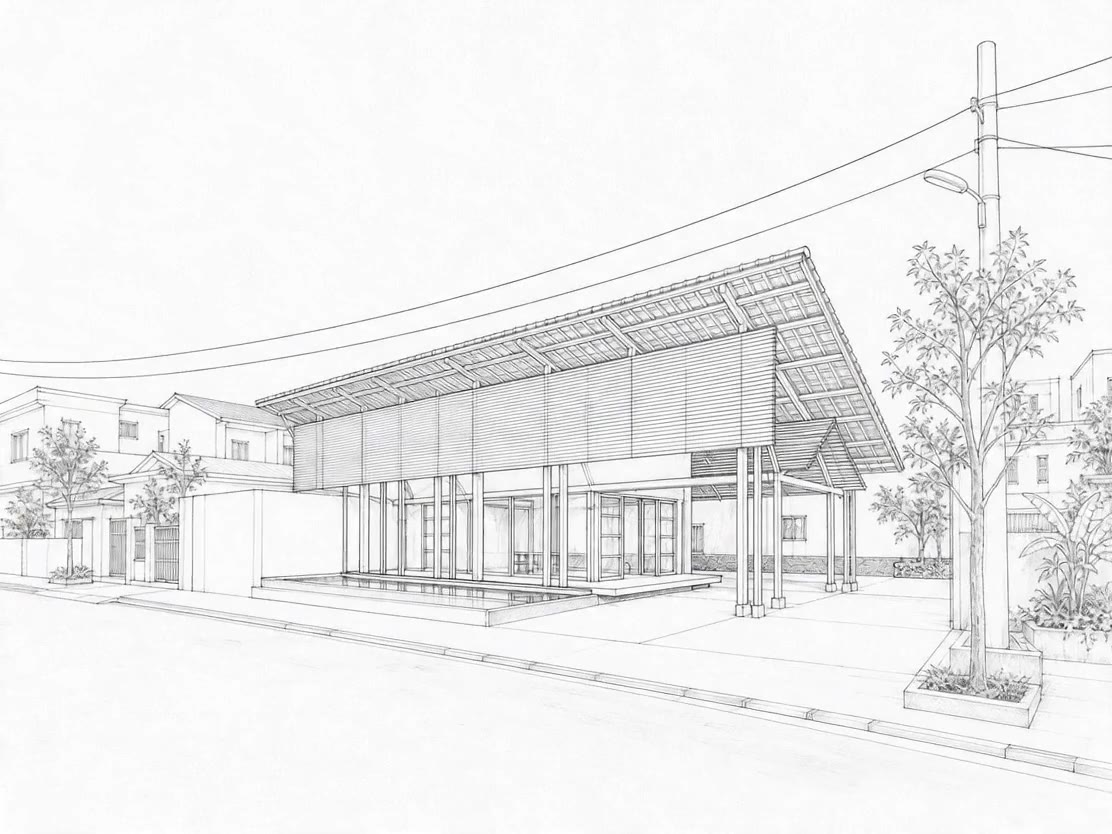
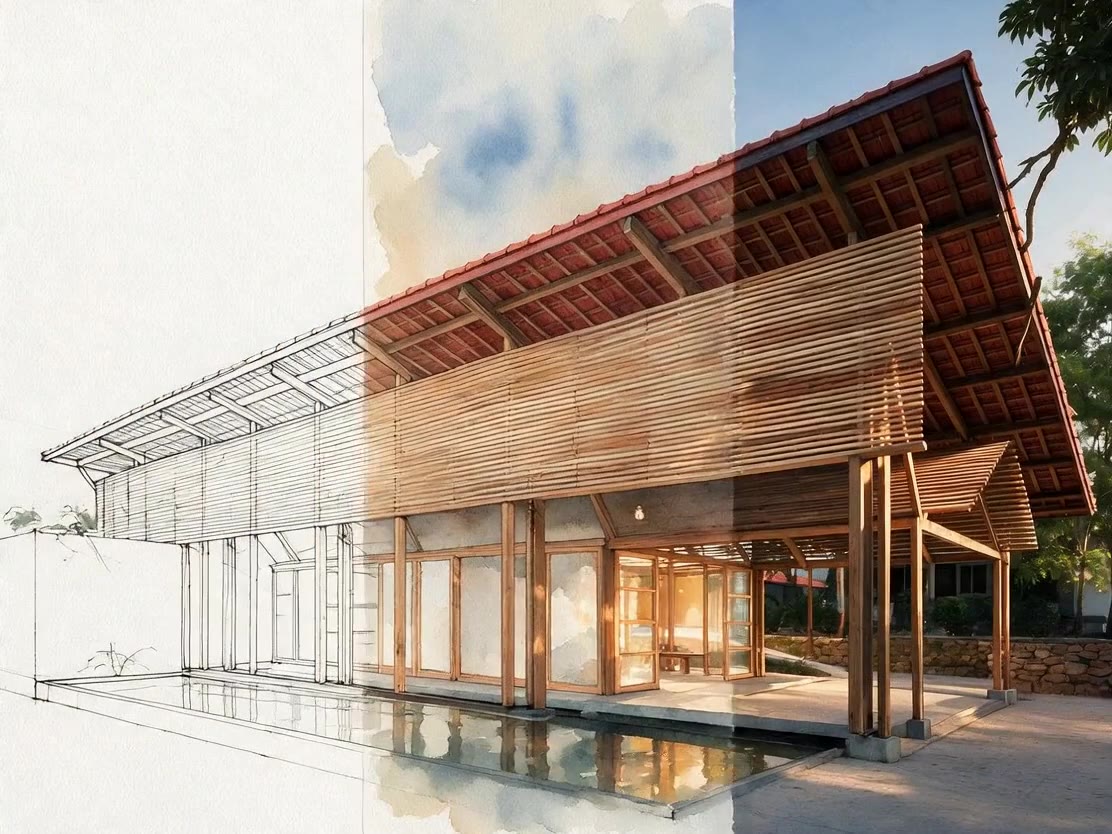
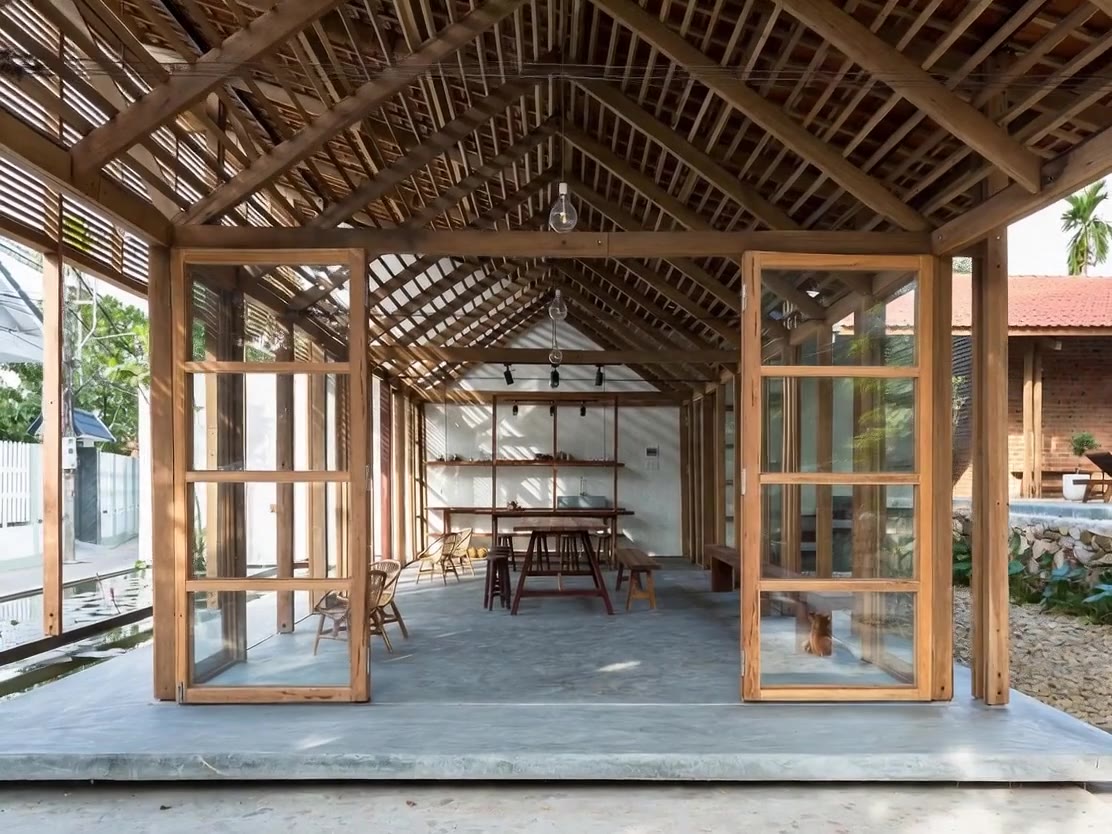
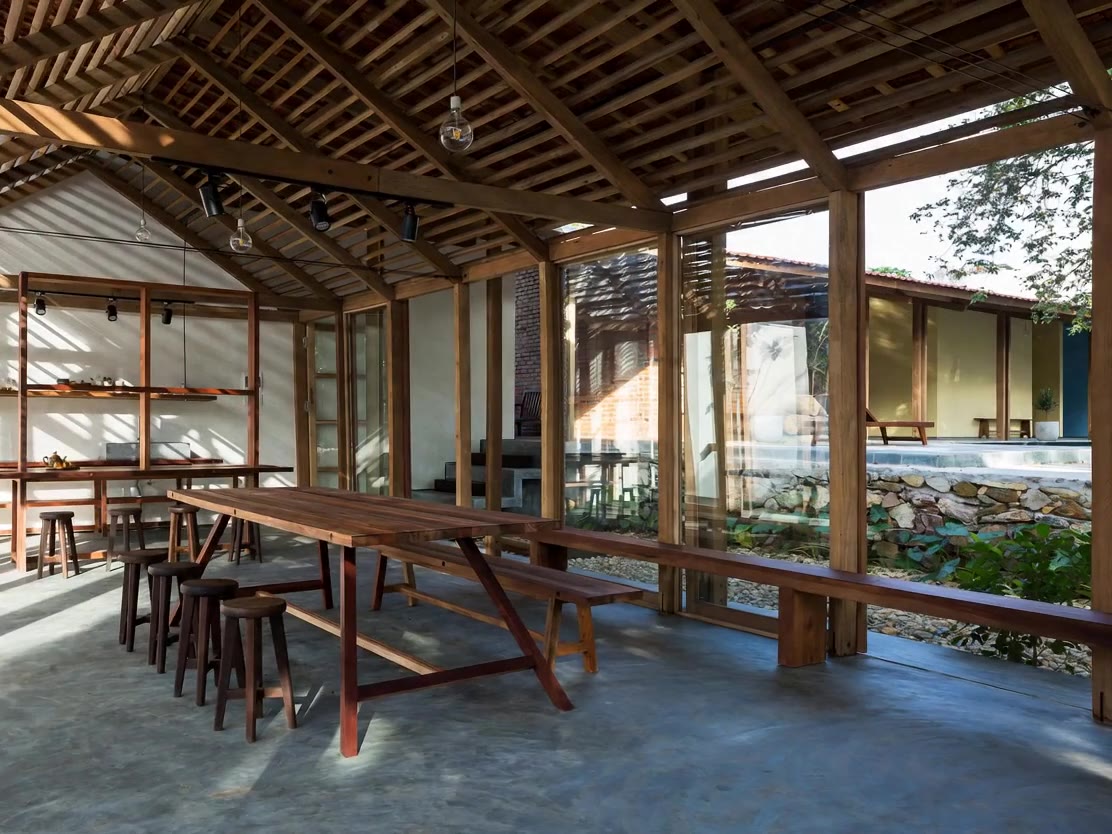
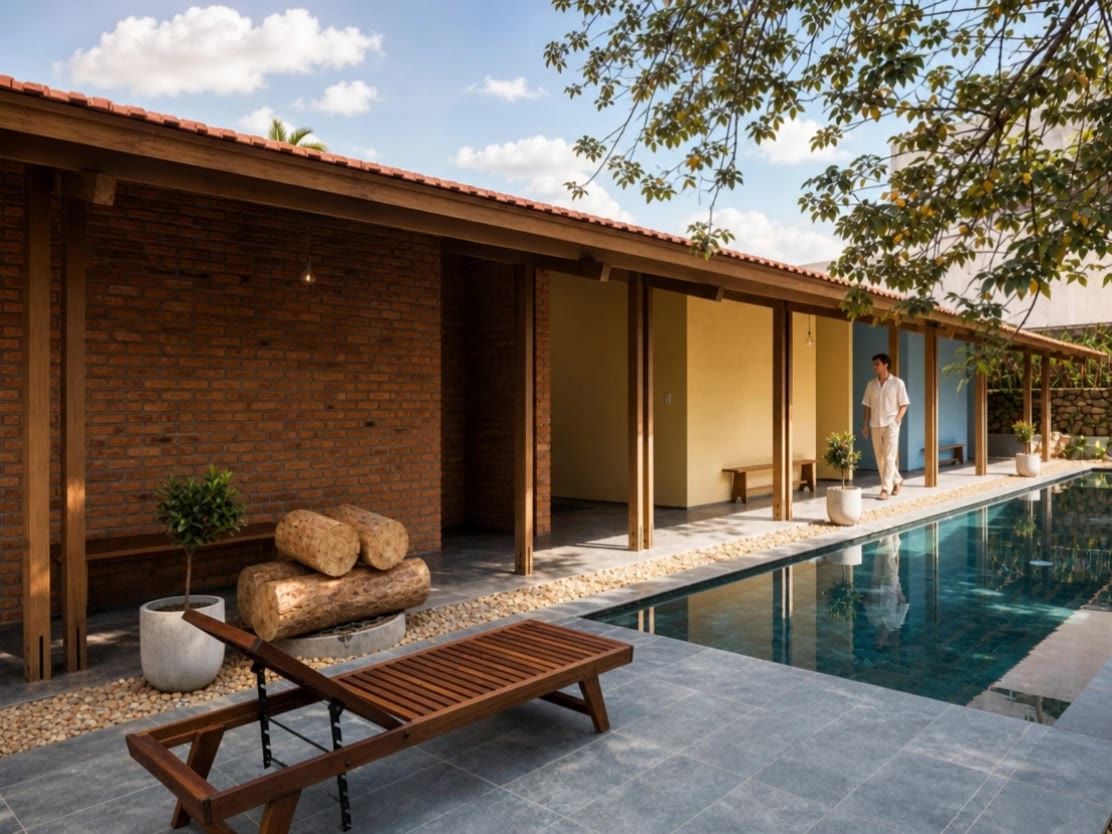
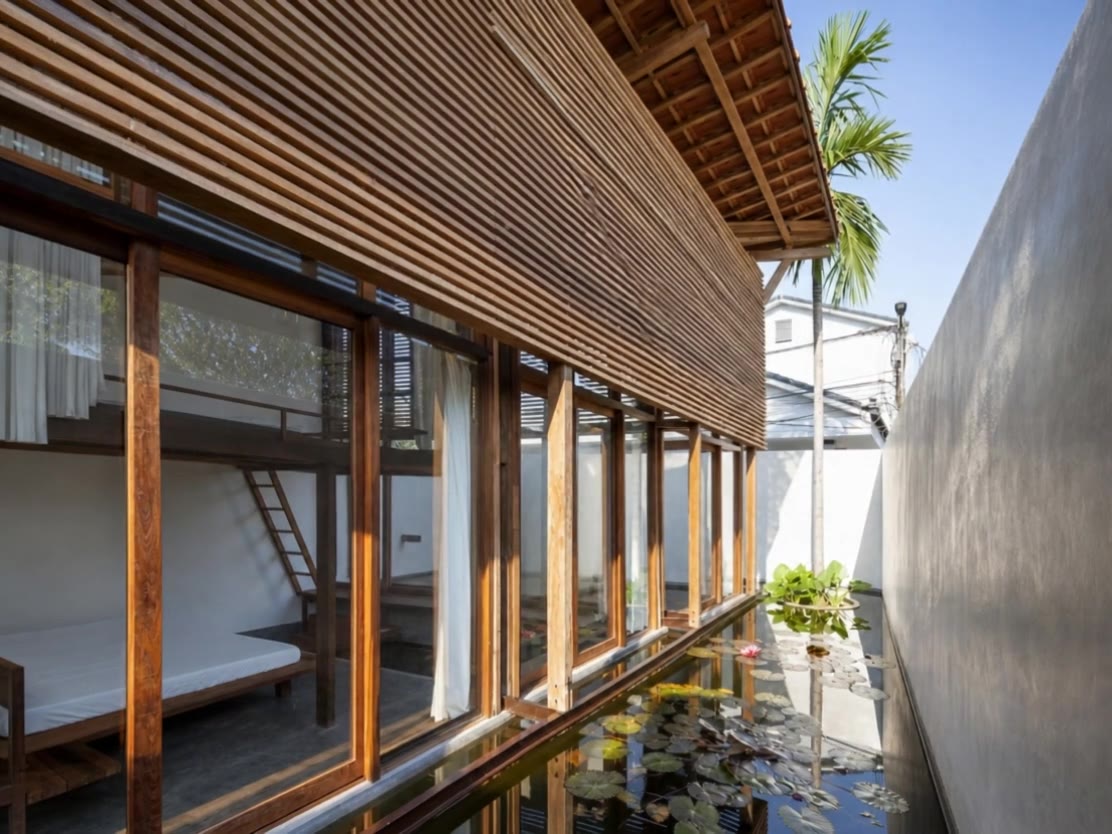
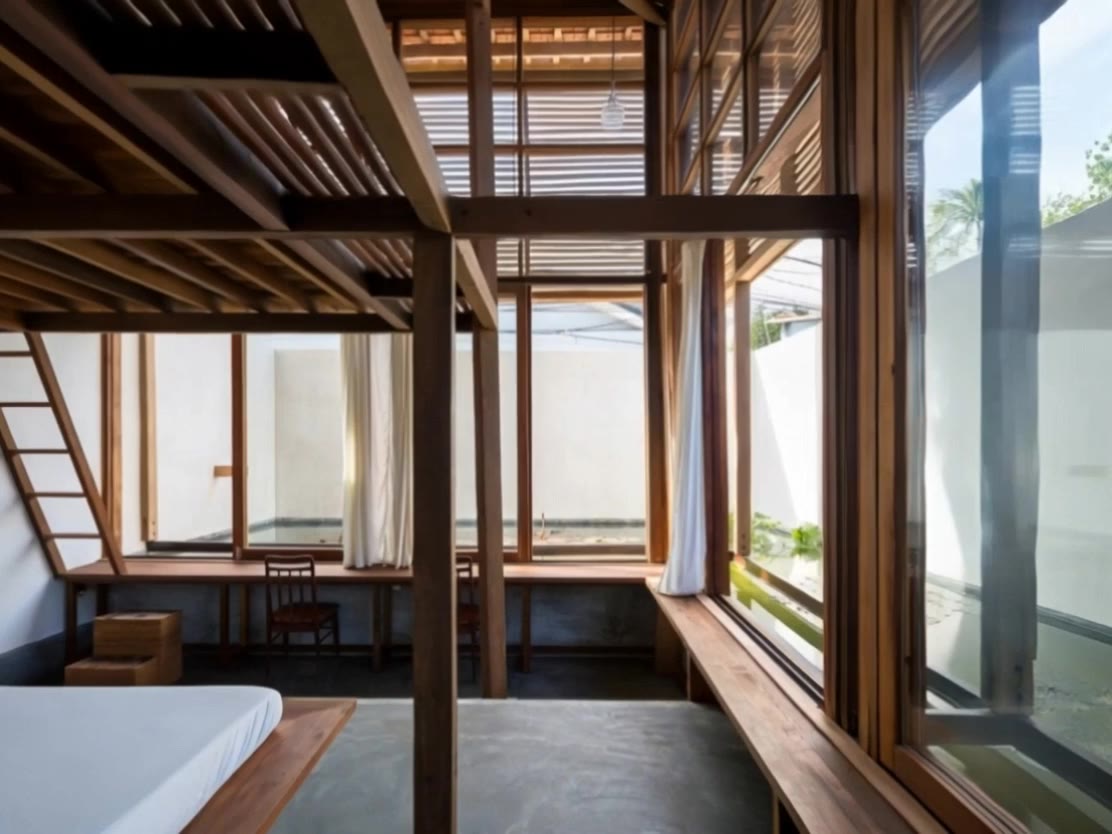
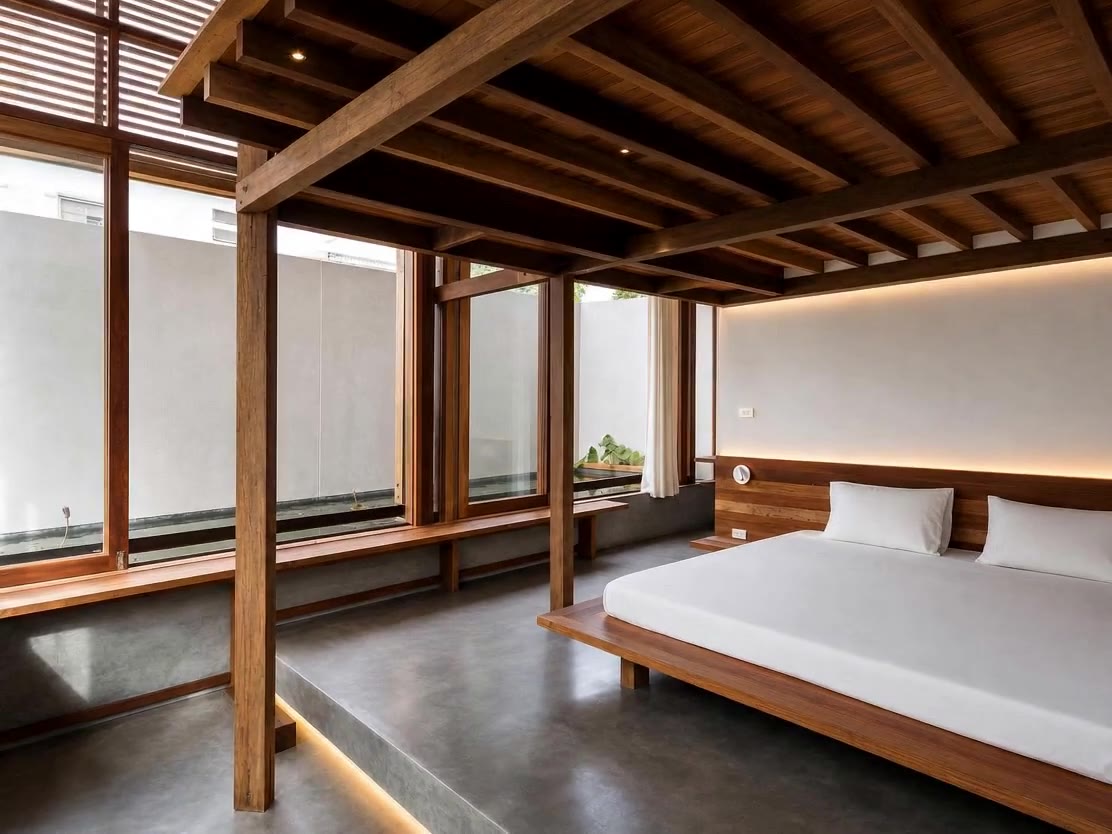
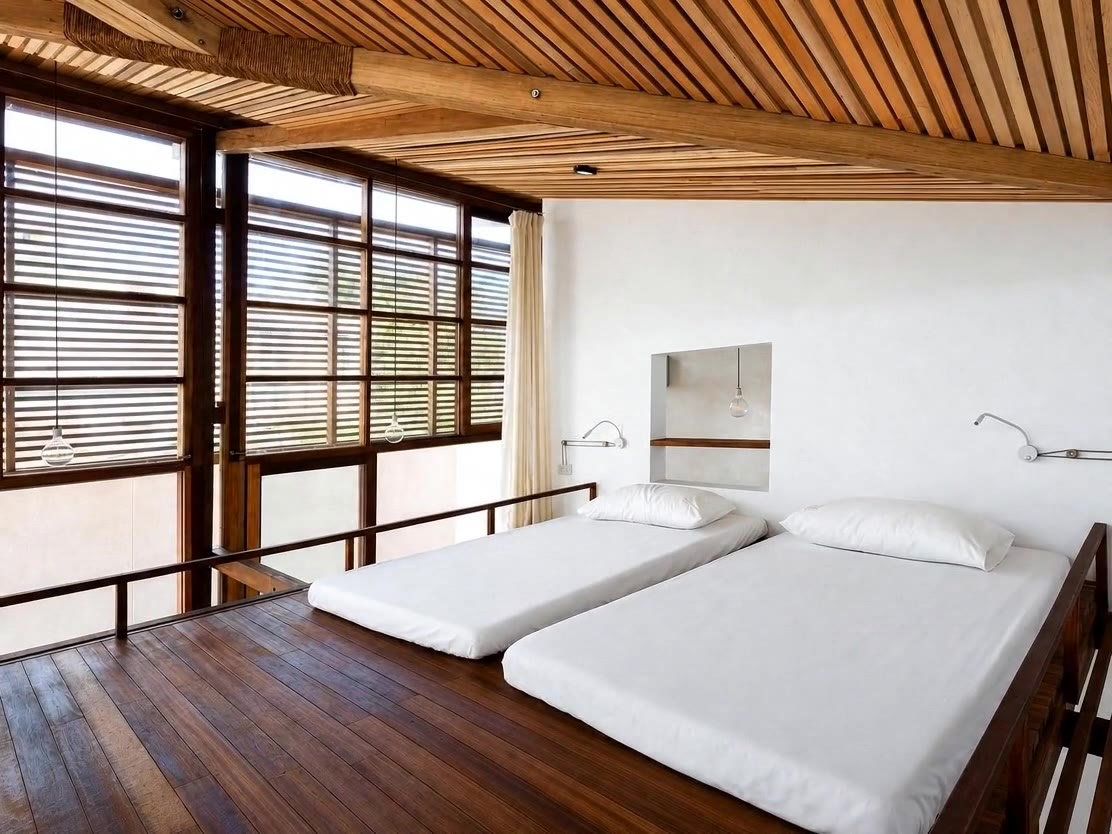
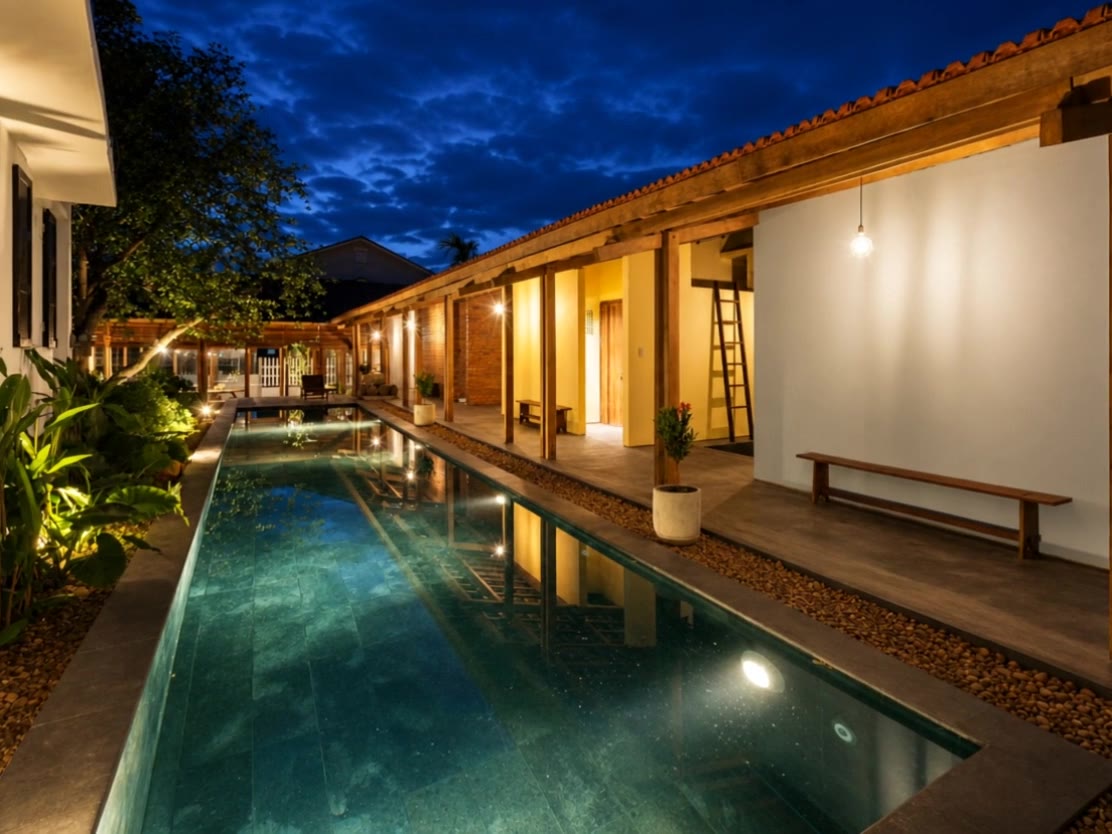
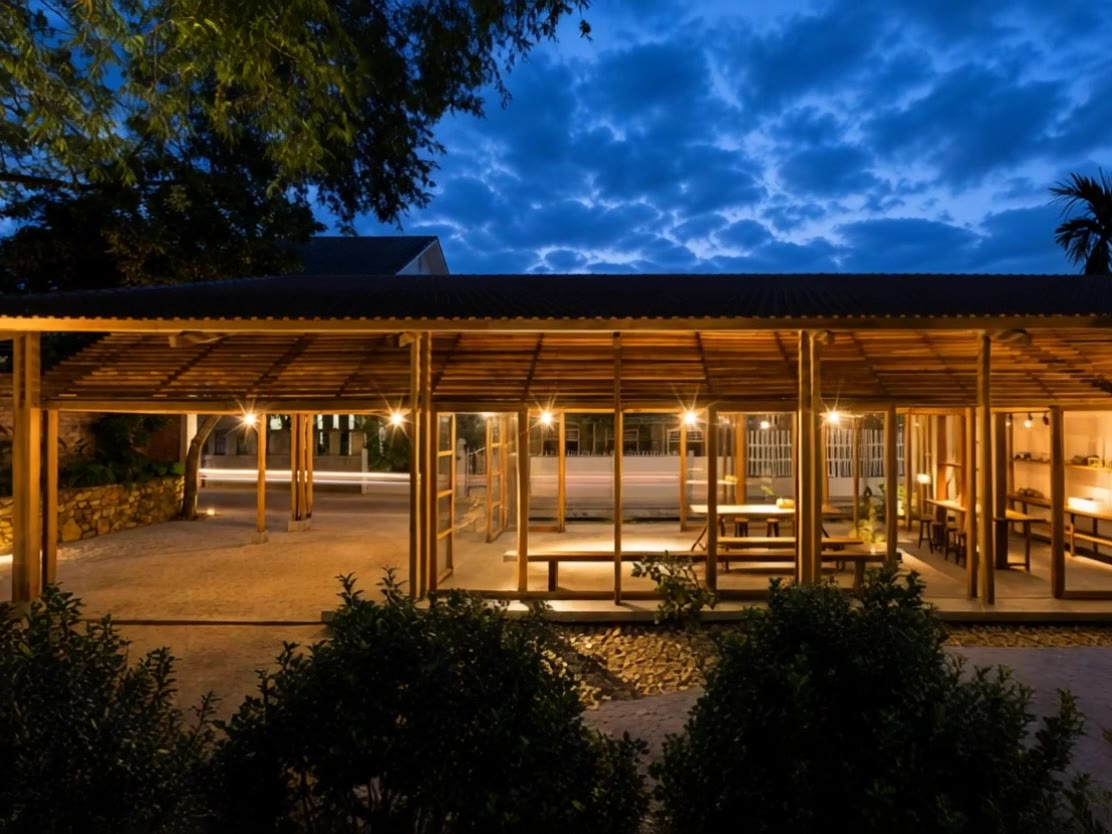
One gesture, one slide — the film is the transition.
The first build mapped scroll position directly to video time — the classic scroll-scrubbing site. It worked, but it had a flaw: visitors could park the scrollbar in the middle of a motion-blurred transition and sit on the worst frame in the film.
So the model changed from scrubbing to a slide deck. There is no free scroll at all. A wheel flick, swipe, arrow key or button click advances exactly one scene — and instead of jumping, the video plays itself forward to the next keyframe. The blurred hand-offs between clips, the thing I was trying to hide, became the slide transition. The worst footage in the film turned into its best feature. Scrolling back runs a fast reverse tween, which only works because of the all-intra encode. A short gesture cooldown keeps trackpad inertia from firing through three scenes at once.
Each scene gets a title, a beat, and a callout.
A film alone doesn’t sell a building. On arrival at each keyframe the text choreography runs: a mono-spaced kicker and headline land first, a second line follows at just under a second, and then a paper callout card slides in with the architectural explanation — why the roof floats off the walls, why every room gets its own lotus pond, why the corridor is a place to linger rather than circulation. The copy is grounded in the real project and written to promote the stay, not just describe the footage.
During transitions all text clears, so the film carries the moment alone. The design system is this site’s own: Inter display type, JetBrains Mono labels, olive ink, paper white, one terracotta accent. A soft piano bed loops underneath, starting on the first gesture, with a mute toggle in the header.
Walk through SAHI Homestay Retreat
Twelve slides, one continuous film, eleven architectural moments. Scroll, swipe, or use the arrows — and try scrolling back.
Download the skill and build your own
I packaged this whole workflow as a Claude Code skill. It contains the step-by-step method, the ffmpeg recipes (stitch, all-intra encode, frame counting), and the full HTML slide-deck template in this design system — so Claude can turn your folder of clips into a walkthrough site.
Unzip it into ~/.claude/skills/ (personal) or .claude/skills/ in a project, then ask Claude to “make a scroll walkthrough from these clips.”
The film is the website. The blur is the transition. The architecture does the talking.
Total stack: eleven AI clips, ffmpeg, and one HTML file — no framework, no scroll library. The same recipe works for any project film: stitch, encode all-intra, find your resting frames, and let the video fill the space between them. If you have a set of AI clips sitting in a folder, you have a walkthrough site waiting to happen.