One idea, two tools, and my own voice.
A 21-second explainer about laying out architecture drawing sheets with AI, built from a single spoken sentence. Here is the whole build.
I wanted a short film about how I use AI to lay out architecture drawing sheets. No studio, no voice actor, no animator. Just an idea and an afternoon.
Two tools did the heavy lifting. GPT 5.6 planned it. Seedance 2 drew it. The one part I would not hand over was the voice, so I recorded that myself and let AI clean it up. Every stage is below.
Planning is the part everyone skips.
I gave GPT 5.6 one idea and it handed back a shot list. Not a vague outline, a production spec: every scene, every image prompt, every motion prompt, every caption, each one timed to the script.
This is the whole game. Plan first and the rest is copy-paste. Skip it and you freestyle forty disconnected frames that never add up to a film. The model is genuinely good at holding one idea across a whole sequence, which is exactly the hard part.
One still per beat, in one visual system.
The script is six beats, so the film is six shots. Each still is a post-digital paper collage: sharp digital fragments — windows, tags, drawings — resting on stacked, textured off-white paper, with tight-kerned Helvetica Bold labels and a single teal accent. The caption for each shot is the spoken line beneath it.
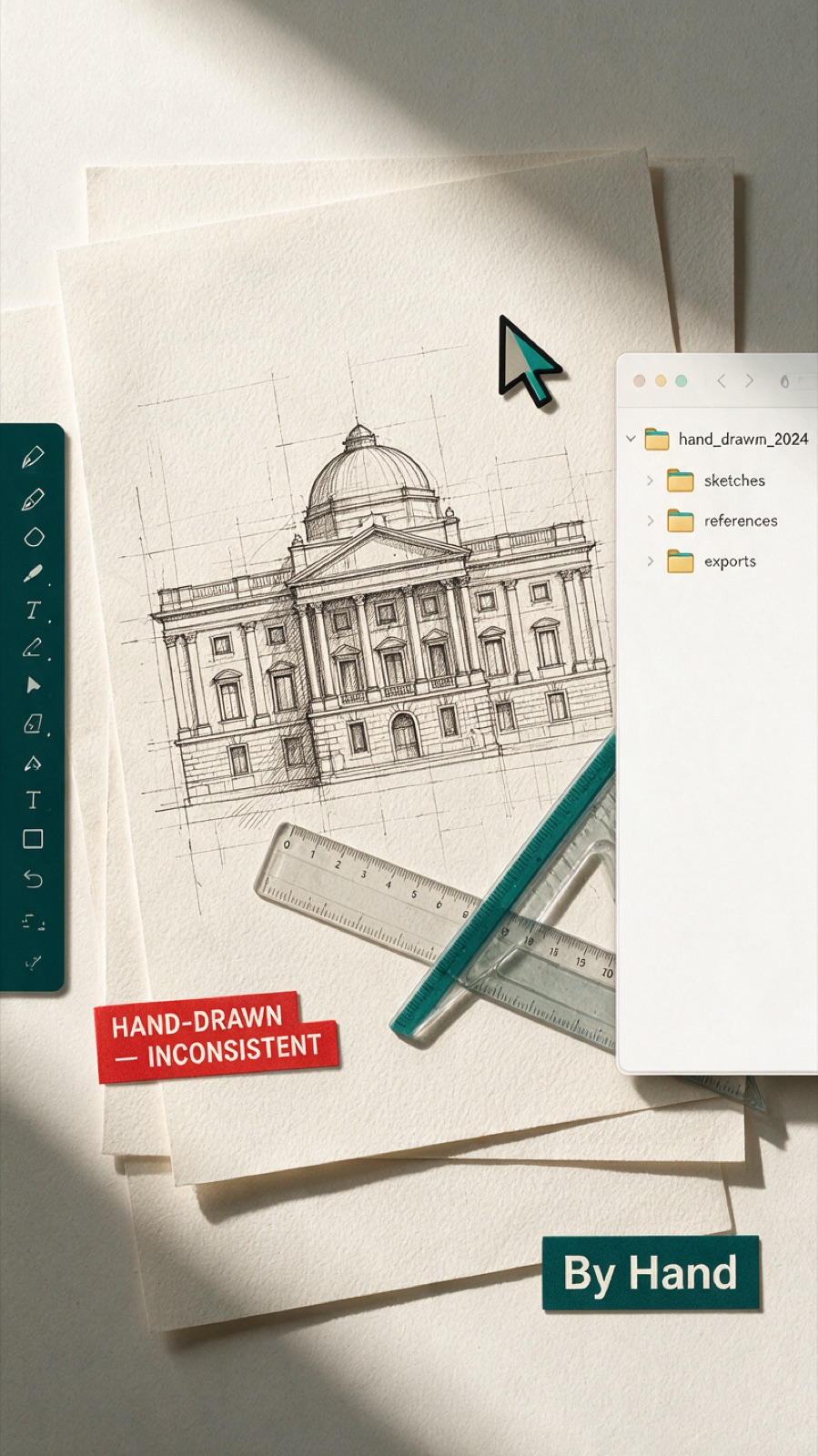
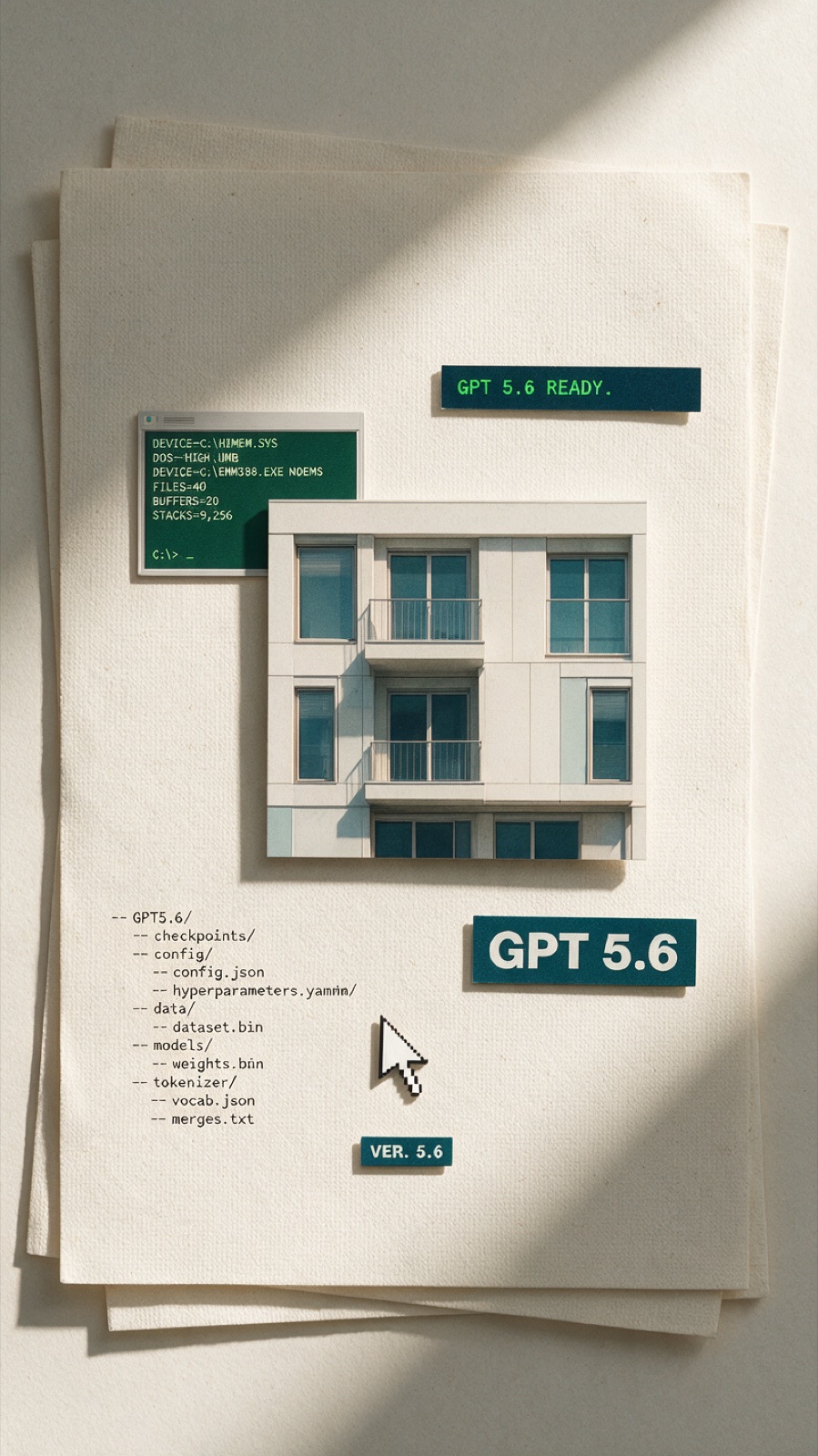
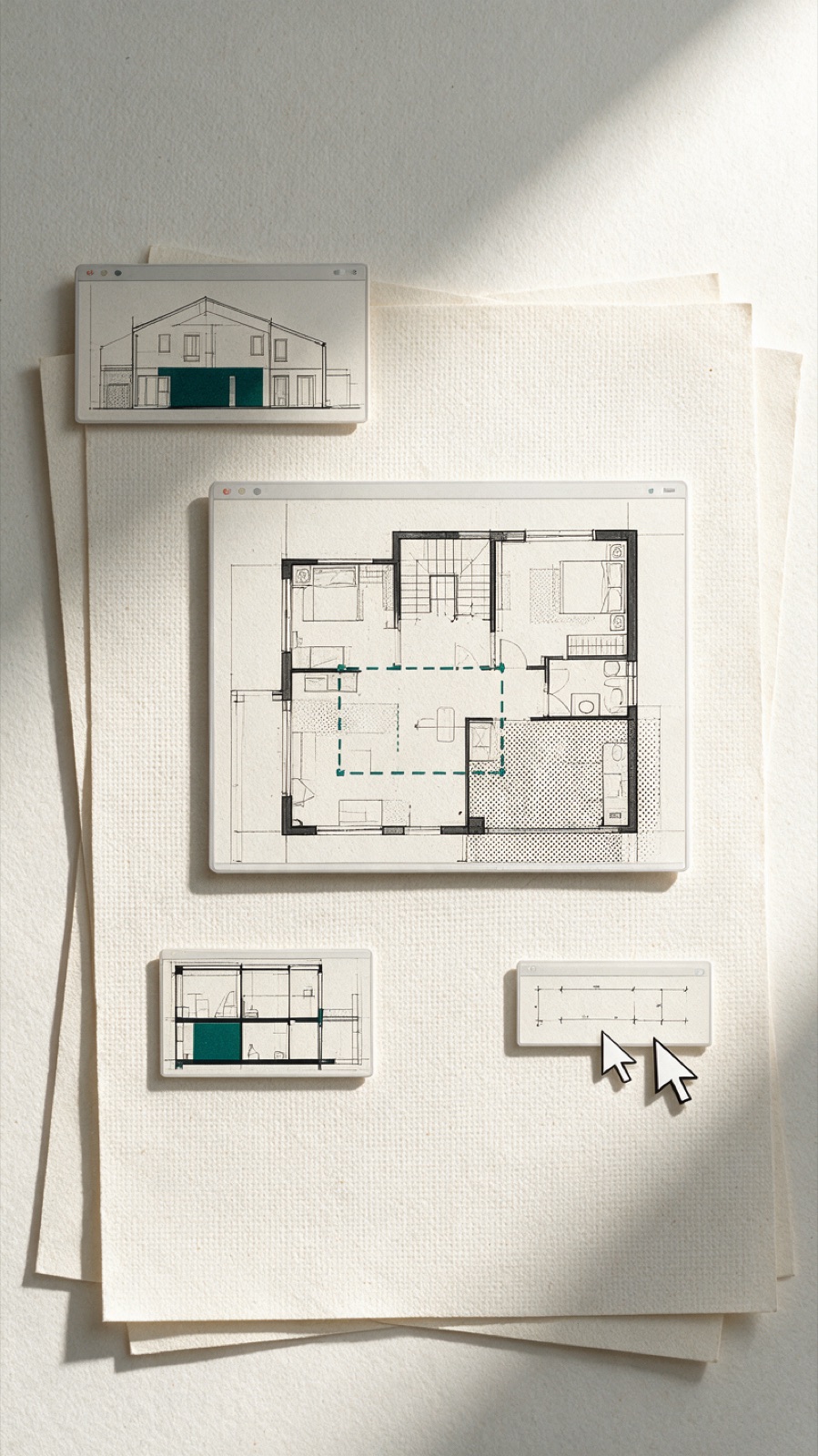
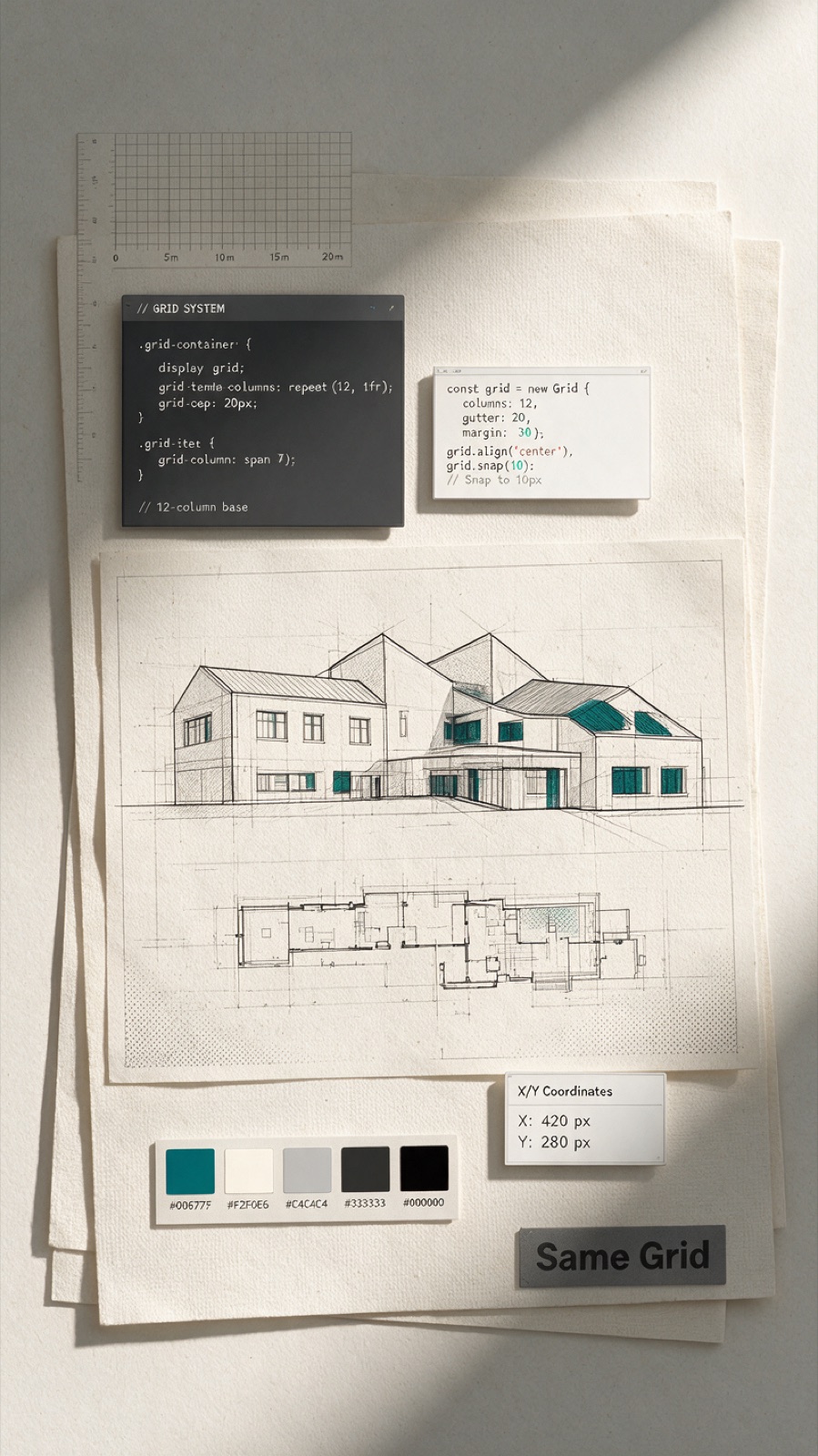
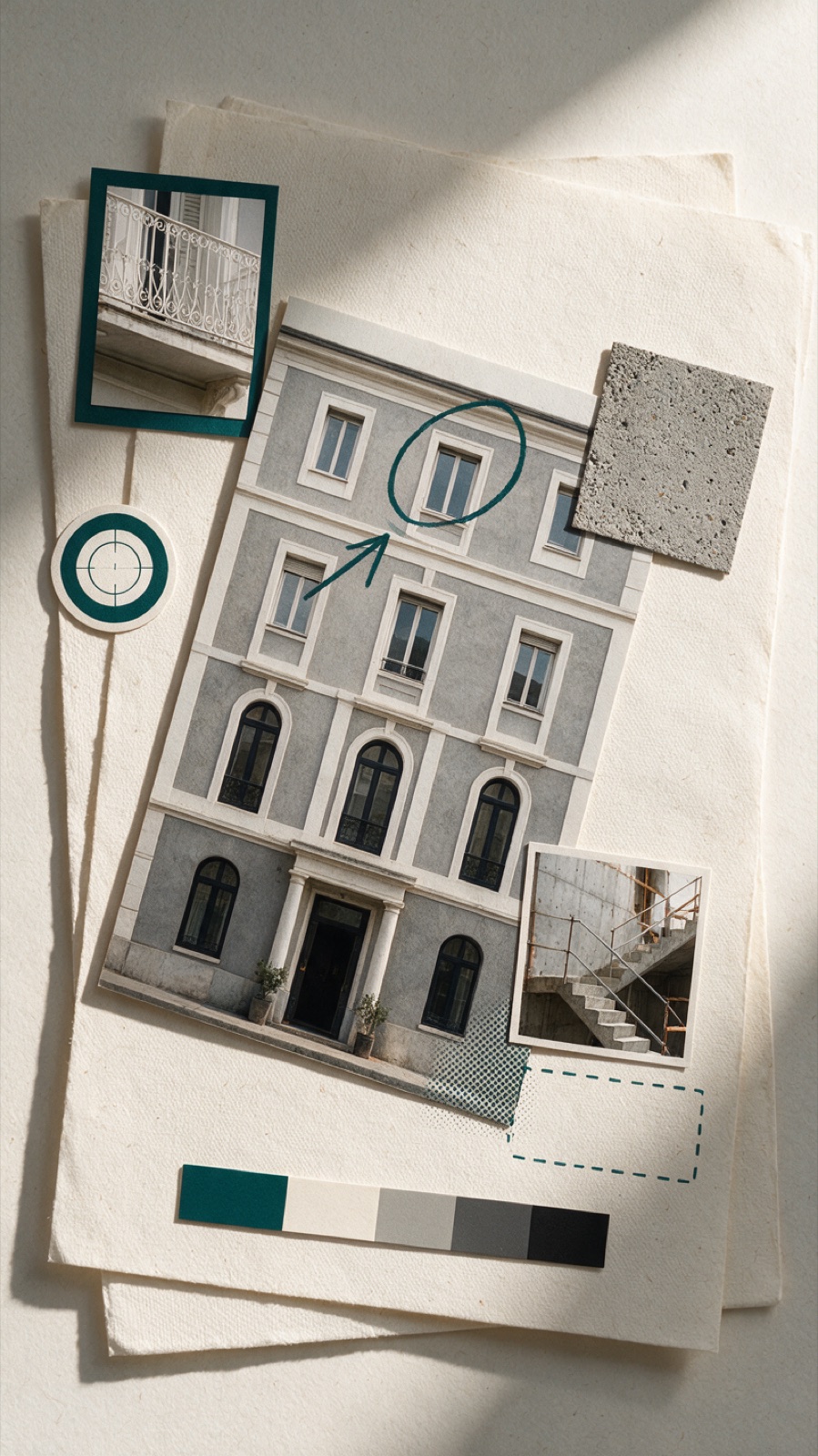
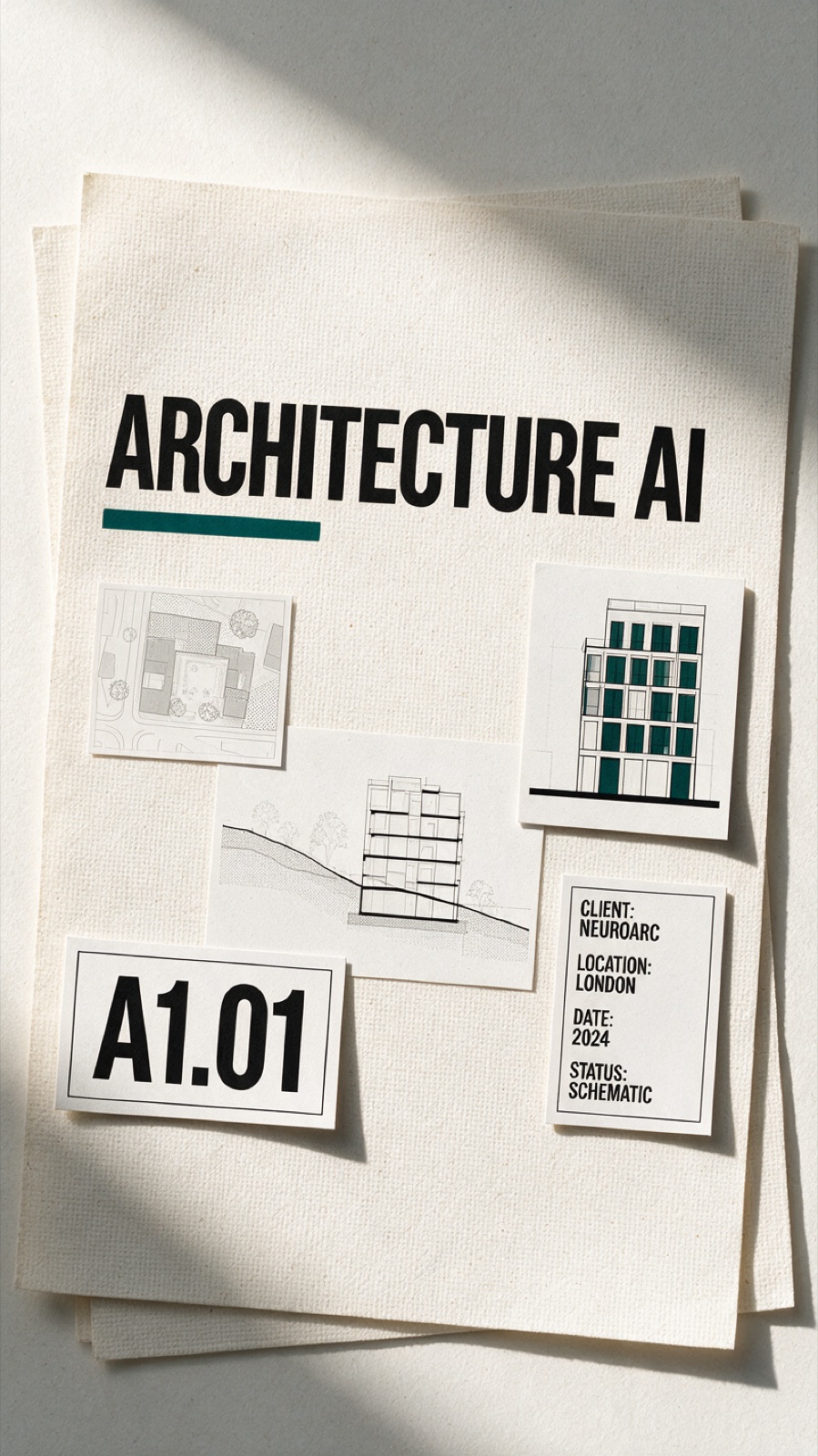
Chain the frames so the film rolls.
Seedance 2 is still the best for this, honestly. The trick is chaining: the end frame of each shot is the start frame of the next. So instead of six clips butted together with hard cuts, Seedance animates the join — the old pieces lift away, the new pieces land, and the clip arrives exactly on the next still. The sixth shot loops back to the first.
Each clip is timed to its beat in the script, down to the tenth of a second, so the picture never drifts from the voice.
The one part I didn't hand over.
I tried the AI voice clones. Every one of them. They get close, and close is exactly the problem — it sounds like someone doing an impression of me. So I did it the old way and read the script out loud. Twice. Badly.
Then AI earned its keep. It transcribed the take with word-level timing, and I used that to find every um, every silence, every retake, and cut them out on the word — always on a real gap, never mid-syllable. What is left sounds like one clean pass. Old-school delivery, new-school clean-up.
Captions, music, done.
The clips retime to the edited voice, not the other way around. Word-by-word captions sit on sticker pills that match the on-screen tags — Helvetica Bold, tight kerning, one teal accent. A soft music bed ducks automatically under the voice so speech always wins. Export vertical, caption it, ship it.
The tool plans. The tool draws. The tool cleans up. You still show up and talk.
The one part it could not be was me, and that is the part worth keeping. Your process is the content. Most architects sit on a workflow nobody outside the office ever sees. Now the studio fits in a browser tab.