8 AI skills for 3D visualisation. Free, every one of them.
Every visualisation workflow I've posted, written down as a skill you can run yourself. Each one has its own link below, and the whole pack is one zip.
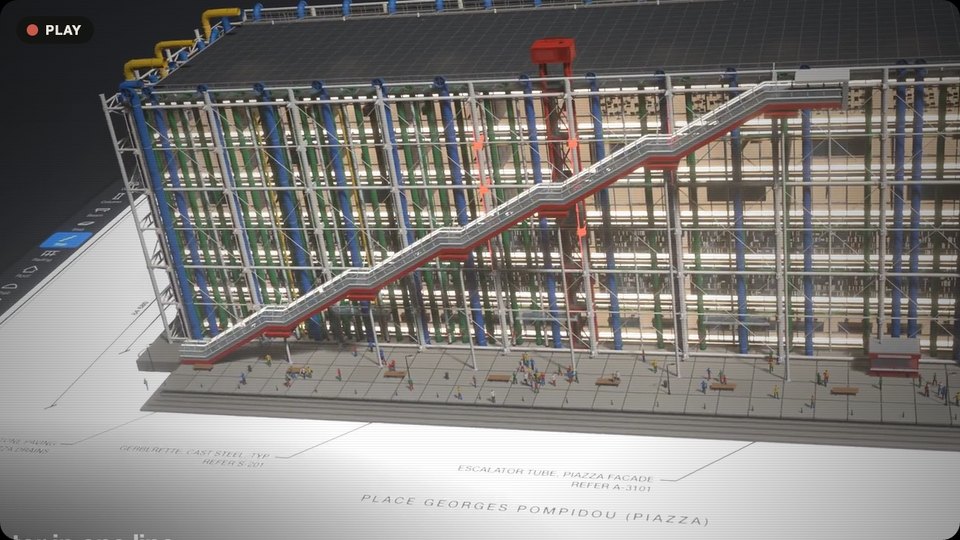
Over the last few months I've posted 8 visualisation workflows: an isometric build film of the Pompidou, a stair that checks its own structure, a Revit stadium from a prompt, a townhouse modelled from a phone clip. The question under every one of them was the same. How do I do that?
So here's the how. I've written each workflow down as a skill and I'm giving all 8 away. A skill is your process written down once, so Claude follows it the same way every time (if that's new, what is a skill takes 4 minutes). Every skill has its own link on this site; there's no email wall, and you can take one or all of them.
Download all 9 skills Free · 8 skills + the showcase-reel bonus · 27 KB zip01The 8 skills
In the same order as the film. Each card says what the skill does, where it earns its keep, and links straight to the file.
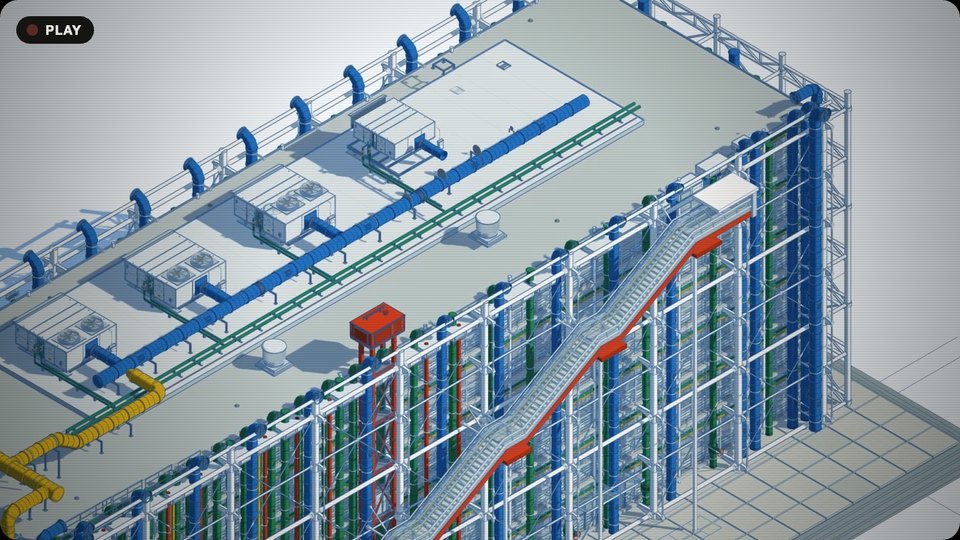
Isometric build film
Turns a 3D model into a film of the building going up, element by element, in one unbroken isometric camera move. Every frame is drawn in the browser, so when the model changes you re-render instead of re-editing.
Best for tender films and explaining how a building goes together.
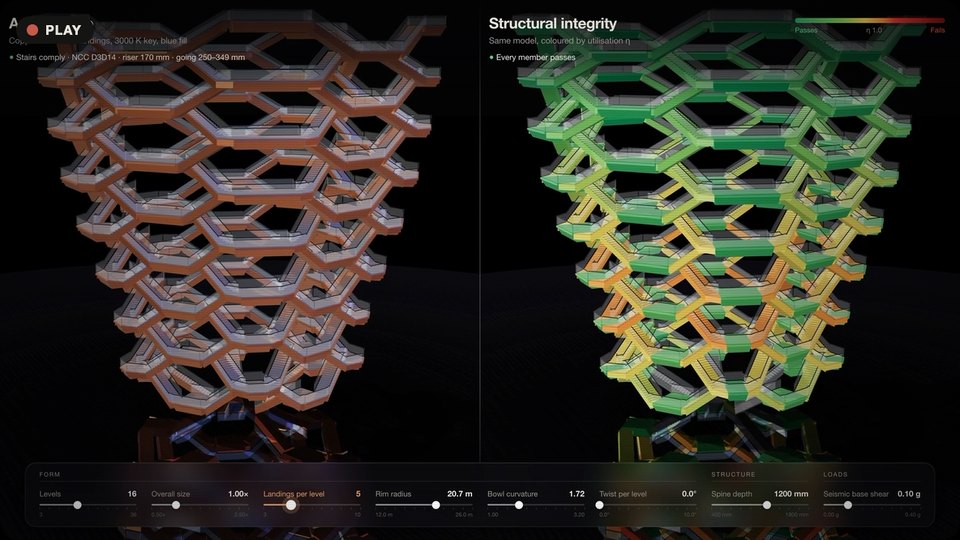
Live structure check
Builds a design tool where the form sliders drive a real 3D frame model. Move a slider and every member recolours by utilisation, green to red, in 30 to 60 ms.
Best for concept stage, when you want structure in the room before the form sets.

Model to cinematic film
Uses your model for the geometry and AI video only for the look. Blender renders a start and end frame for every shot; the video model fills the motion between frames it can't change.
Best for a photographic film where the building has to stay the same from shot to shot.
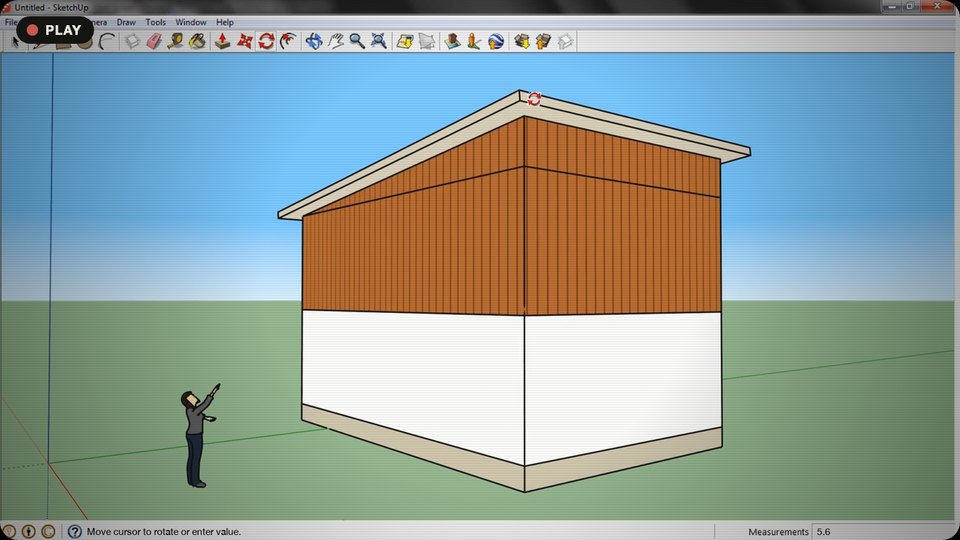
Photo to 3D model
Reads one image and builds a measured model by script, every part named in build order and every dimension in one place. Change a number and the scene rebuilds in about 7 seconds.
Best for turning a photo, a sketch or an AI concept into something you can measure.
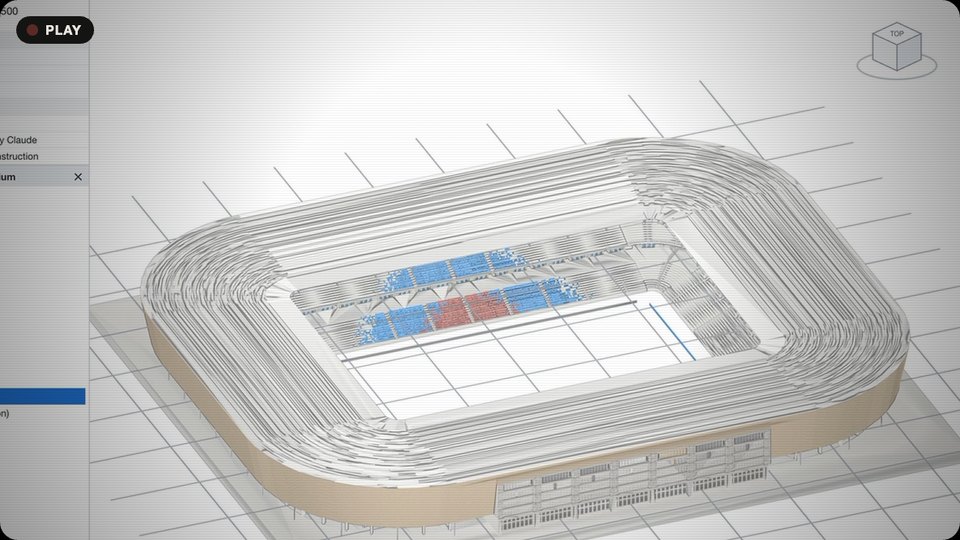
Prompt to BIM model
Turns a written brief into native Revit elements through MCP: levels, grids, structure, floors and walls, placed in batches and checked after each one.
Best for early massing and repetitive geometry (a stadium bowl, a car park) that's quicker to describe than draw.
Building by prompt
Connects Claude to your modelling tool so each prompt becomes a change in the live model. Claude reads the model back after every change, so it always works from what's really there.
Best for trying many design moves quickly, and your first useful MCP loop.
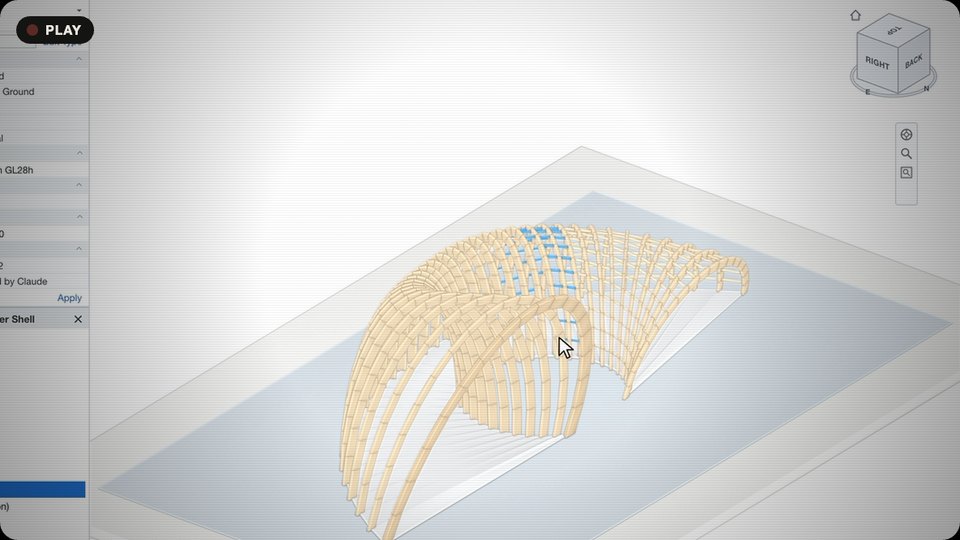
Image to timber shell
Reads a concept image of a curved timber roof, rebuilds it as a parametric surface, lays a member grid over it and places the timber members in Revit.
Best for testing grid spacing and member size against the look you're after.
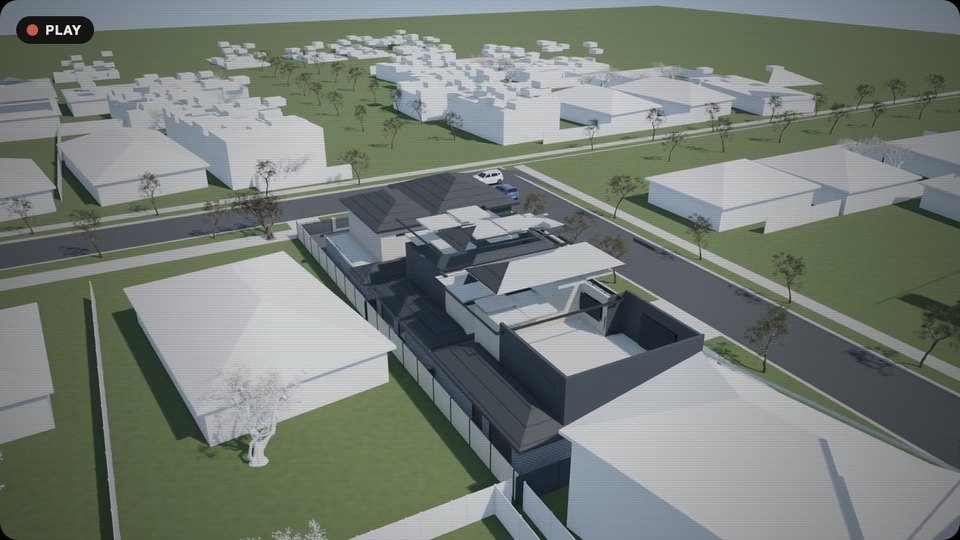
Phone clip to model
Solves where your phone was in every frame of a walk-past clip, then models the building to measure and draws its edges back over the footage. My 130 second clip gave 777 frames, all of them solved.
Best for context and existing-conditions models when there are no drawings.
02Bonus: the skill that made this film
The reel at the top was made with a ninth skill, showcase-reel. Give it your finished project films and a photo of a phone and a tablet, and it gives you back a 30 second 1080p MP4 with original music, every cut on the beat. No video editor. It's in the pack too, with its 4 working scripts.
Download showcase-reel/SKILL.md
03How to use them
- Download one skill from its card, or the whole pack below.
- Install it. In Claude Code, put the folder in ~/.claude/skills/. In the Claude app, upload the folder as a skill under Settings, Capabilities.
- Ask for the job. Describe what you want, or type the skill's name (/phone-clip-to-model). Claude reads the skill and follows its steps.
- Make it yours. Every skill is plain text. Change the steps to match how your office works; that's the whole point.
Use the phone-clip-to-model skill. Here's a 2 minute clip walking past the site: [attach]. The phone was about 1.5 m off the ground. Before you model anything, tell me how you'll set the scale and what you won't be able to see from the footage.
04Before you use them
These are study tools. The structure check is comparative and concept stage; an engineer signs off the real thing. The timber shell geometry needs a timber engineer before it's anything more than a design study.
Check every frame. On P423 one change turned a figure's hands into spikes. It was caught in a frame check, which is why every film skill includes one.
Bring your own tools. The Revit and Archicad skills need an MCP server connected to your software. The film skills need Blender, Chrome or ffmpeg, and each skill lists what it needs at the top.
Download all 9 skills Free · 8 skills + the showcase-reel bonus · 27 KB zipFilms: my own posts, P402 to P425. Skills written from the projects they came from.
Follow for high quality AI content every day.
Copyright 2026 Stanton Dahl Architects. All Rights Reserved.