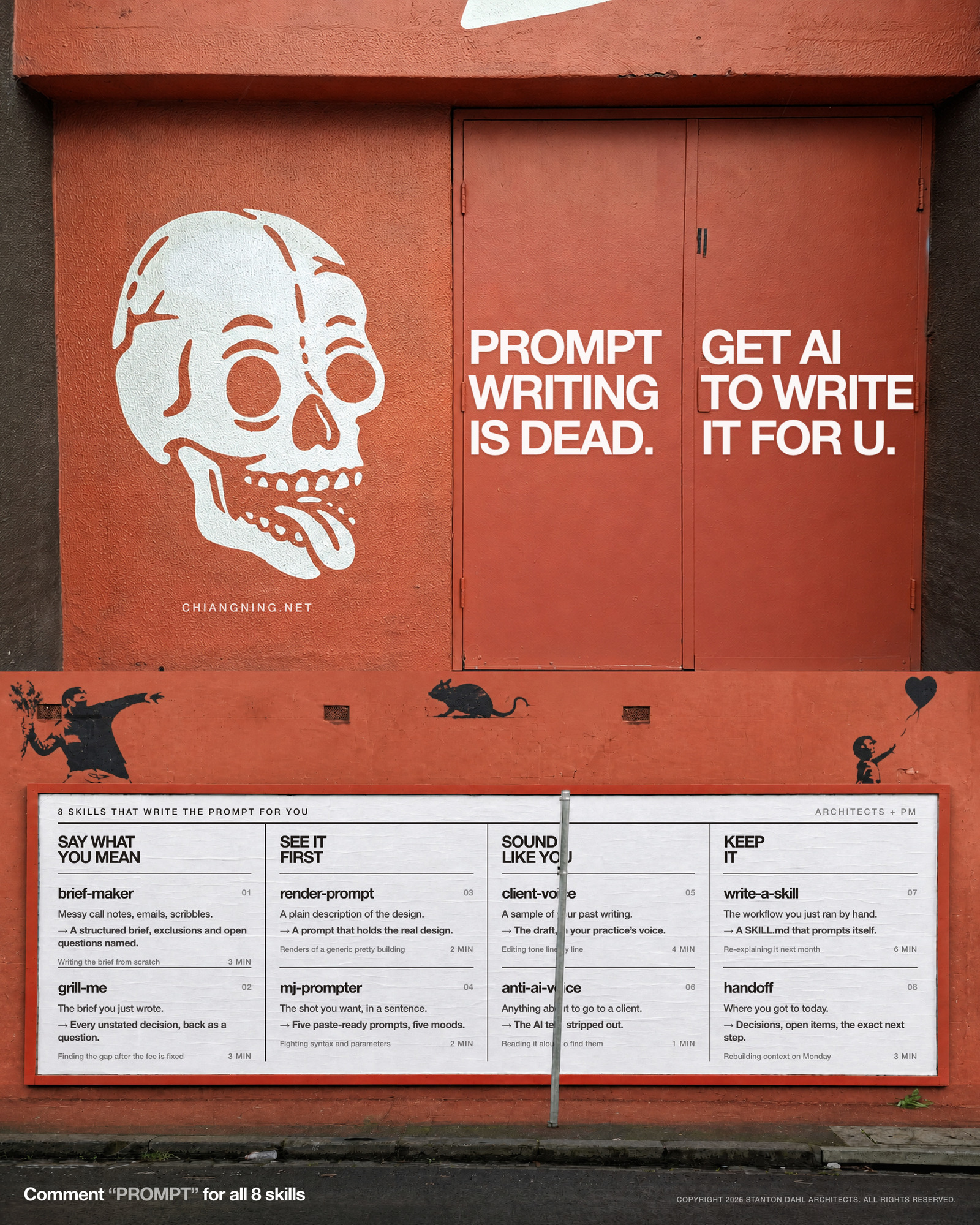
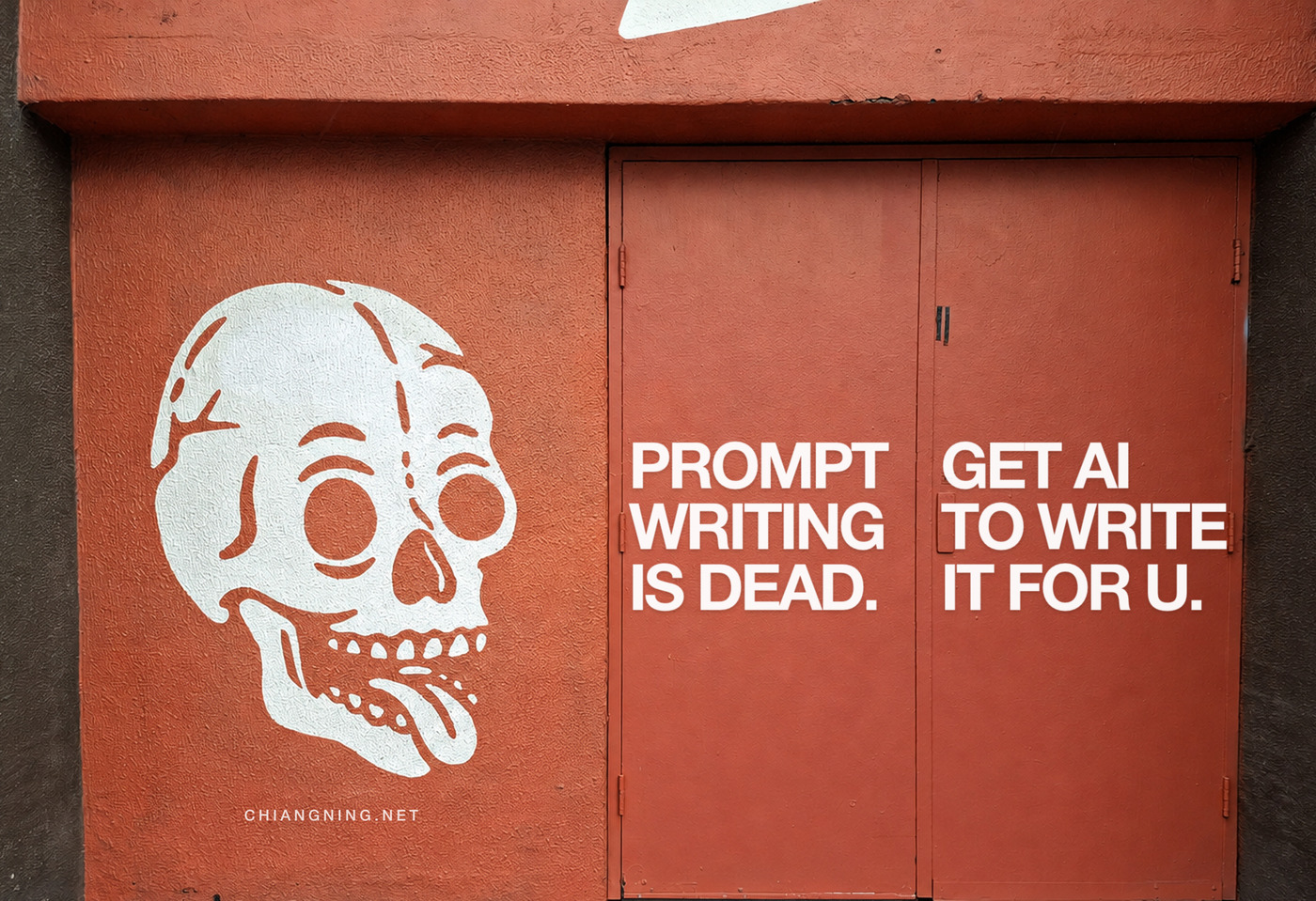
Prompt writing is dead. Get AI to write it for u.
You are an architect, not a prompt engineer. Nobody is going to promote you for phrasing. So stop writing prompts and start briefing — then let the model write the prompt, tell you what is missing, and run it.
The advice industry has spent three years teaching architects to write better prompts. It was always the wrong skill to teach.
Prompt writing is a workaround for a model that could not ask you anything. That model is gone. The current ones interview you, read the folder, and hold a method you wrote down once. Phrasing stopped being the bottleneck some time last year, and most people are still practising it.
Here is the test. If you are editing a prompt for tone, you have already lost the time you were trying to save. If you are on your fifth rewrite because the answer keeps drifting, the problem was never the wording — it was that nothing in the room knew what you actually wanted, including you.
What replaces it is unglamorous: brief it the way you brief a graduate. Ramble. Contradict yourself. Hand over the messy file. Then make something else do the writing.
You do not need better words. You need something that asks you the three questions you were about to skip.
Why the phrasing stopped mattering
Three things changed, and each one killed a different reason to fuss over wording.
A model that can put three questions back to you does not need a perfectly specified request. The gap gets closed by you, deliberately, instead of by it, silently.
Half of what a long prompt used to carry was context you were re-typing. Point it at the folder and that half of the prompt disappears.
Write the steps down once, give them a name, and the prompt becomes a file instead of a performance. You are not writing it again next month.
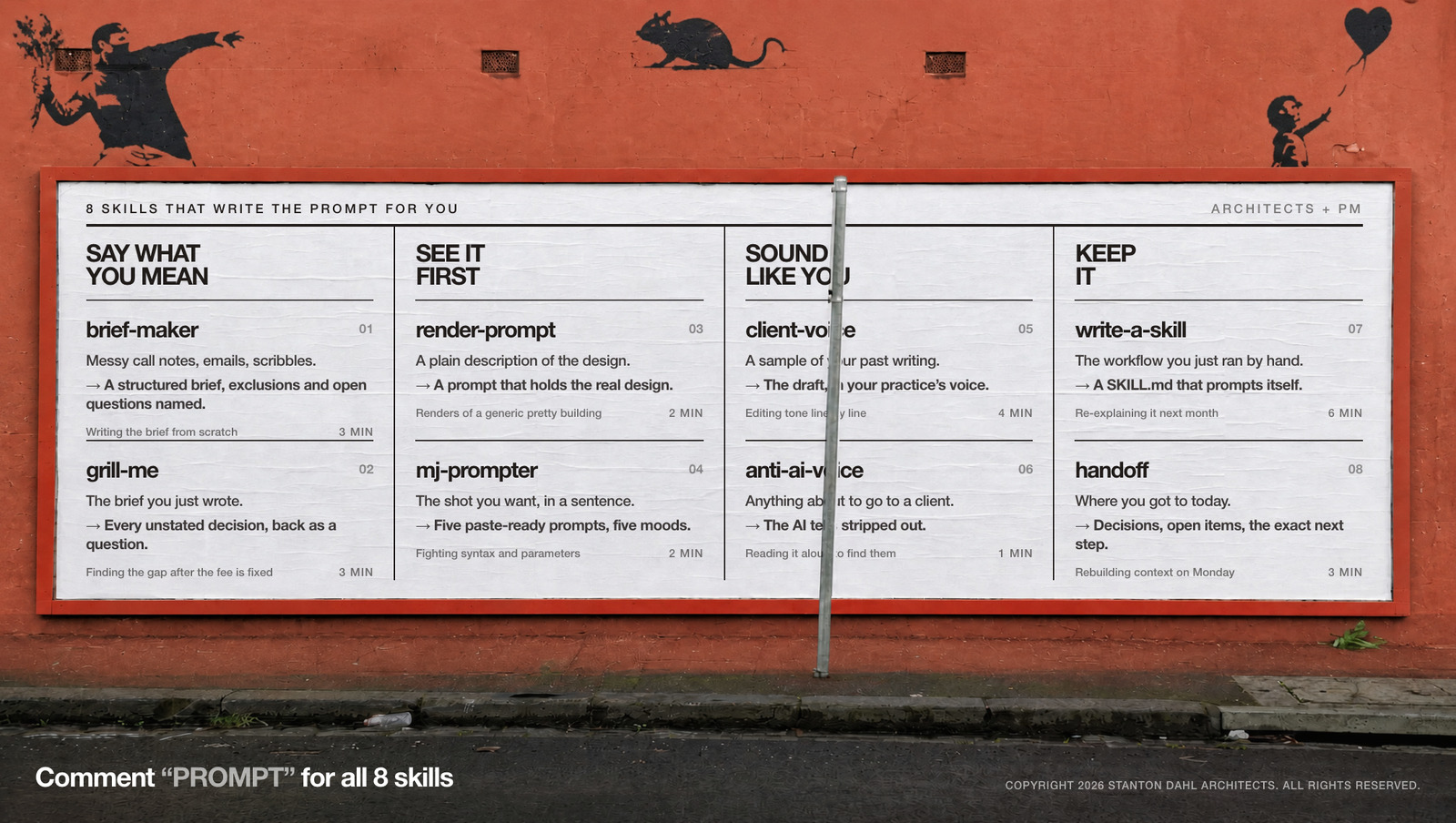
So the job is no longer compose the perfect request. It is hand over the real material, and make it interrogate you before it drafts. Eight skills do that work. All eight are already free, and all eight are in packs I have published on this site.
- brief-maker — messy notes into a brief
- grill-me — it interviews you first
- render-prompt — the design, not a pretty building
- mj-prompter — five prompts, five moods
- client-voice — your practice's voice, not the model's
- anti-ai-voice — strip the tells
- write-a-skill — the prompt that writes itself
- handoff — Monday's prompt, written on Friday
Skill 01 · brief-makerMessy notes into a brief
The prompt you were trying to write is just a brief with the swearing taken out.
You already have the input. It is in your notebook from the client call, three emails, and a voice memo from the car. Prompt writing asks you to translate all that into a tidy paragraph first. That translation is the work you were trying to hand over.
Give it the mess. What comes back is a structured brief with the scope, the exclusions, the assumptions and — the useful part — the open questions, before anyone prices anything.
Attached: my notes from this morning's call and the three emails from the client. Turn it into a brief — scope, exclusions, assumptions, open questions. Do not resolve anything I left vague; list it as a question instead.
The one mistake: tidying the input first. Every minute you spend making the mess presentable is a minute the skill was going to spend for you, and it does not get bored halfway through.
Skill 02 · grill-meIt interviews you first
The good consultant asks before they quote. Ask this one to behave like one.
This is the whole argument in one skill. The failure mode of AI on a live job is not stupidity, it is confidence: given a gap, it fills the gap, and on a fee proposal a gap it invented becomes a number a client holds you to.
So invert the order. Instead of writing a prompt precise enough to leave no gaps, hand over the rough thing and make it find the gaps for you. What comes back is the list of decisions you were about to make by accident.
Before you draft anything, grill me. Ask me the questions you would need answered before you would be willing to put your name to this fee, and tell me which of my answers you think is the risky one.
The one mistake: reading a confident answer and never asking what it assumed. If you take one habit from this article, take this one.
Skill 03 · render-promptThe design, not a pretty building
Anyone can prompt a beautiful building. The hard part is prompting yours.
Image prompts are where people burn the most time on phrasing, and where phrasing helps least. The reason your render looks generic is not that you forgot to say “cinematic, 35mm, golden hour”. It is that nothing in the prompt held the actual design — the bay rhythm, the real brick, the parapet you argued about for a fortnight.
Describe the design in plain English and let the skill build the prompt that keeps architectural fidelity. You stay in charge of the art direction; you stop being in charge of the syntax.
Two-storey brick school hall, recycled red brick in stretcher bond, 2.4m structural bay, deep reveals, standing-seam roof at 12 degrees, western sun. Write me the render prompt that keeps those five facts true, and tell me which of them the model is most likely to lose.
The one mistake: re-rolling a bad render instead of fixing the prompt that made it. Twenty attempts at the wrong description is not iteration, it is gambling.
Skill 04 · mj-prompterFive prompts, five moods
Choose between shots, not between phrasings.
One sentence about the shot you want, and it hands back five paste-ready prompts across different lenses and moods. The point is not volume. The point is that you spend the next ten minutes making a directorial decision rather than a clerical one.
Its sibling, exterior-hero-shots, does the same thing at set scale: one photo or elevation in, fifteen prompts out, labelled by angle, time and lens, so you render the three that carry the story instead of forty that do not.
The shot: the hall entry at 4pm, low sun raking the brick, one figure walking in. Give me five prompts across five lenses and moods, and tell me in one line which one you would put in front of the client and why.
The one mistake: asking for one prompt. You want a spread to choose from — the choosing is the bit only you can do.
Skill 05 · client-voiceYour practice's voice, not the model's
Feed it five things you have already written. It stops sounding like a press release.
The most common complaint about AI drafts is that they are fine and they are not yours. People try to fix this by describing their tone in the prompt: “professional but warm, concise, no jargon”. That never works, because tone is not a description, it is evidence.
So give it the evidence. Five past reports and a couple of client emails, and it builds a voice brief it then writes inside — matching cadence and vocabulary instead of guessing at adjectives you chose.
Attached: five reports and four client emails I wrote. Build me a voice brief — sentence length, how I open and close, words I use and words I never use — then rewrite the attached draft inside it. Show me the three lines you changed most.
The one mistake: describing your tone instead of showing it. Adjectives are the weakest possible input; your own back catalogue is the strongest.
Skill 06 · anti-ai-voiceStrip the tells
One pass, one minute, before it goes to a client.
Even a good draft carries the tells: the tricolon, the “it's not just X, it's Y”, the paragraph that opens by restating the question. Clients are getting quicker at spotting these, and once they do, everything else you send that month reads as machine-made too.
This is a language pass, nothing more. It is the cheapest of the eight and the one most worth making automatic.
Run anti-ai-voice on this. Strip the tells, keep every fact and every number exactly as it is, and list anything you removed that you think actually mattered so I can put it back.
The one mistake: running this instead of client-voice. This one removes what is wrong; the other adds what is yours. They are not the same job.
Skill 07 · write-a-skillThe prompt that writes itself
This is the one that actually retires prompt writing.
Everything above still has you typing something. This one stops that. You run a workflow by hand, once — badly, with corrections, the way real work goes — and then ask it to write the skill.
What you get is a plain-text file: a name, a description, your steps in order. From then on you type /progress-certificate and the prompt is already written, the same way, every month. That is what a practice manual was always meant to be, except this one gets used, because using it is less work than not using it.
That worked. Write it up as a skill so I never explain it again: name it, describe when to use it, and list the steps in the order we actually did them — including the two corrections I made halfway through, because those are the bits that matter.
The one mistake: writing the skill before you have run the task. Skills written from imagination describe a workflow nobody has; skills written from a real run describe yours.
Skill 08 · handoffMonday's prompt, written on Friday
The most expensive prompt of the week is the one that reconstructs last week.
Every Monday morning has a version of the same twenty minutes: what did we decide, what was I waiting on, why is this variation still open. You pay that cost in re-typing, and you pay it again in the things you forget to mention.
So write it on Friday, while you still know. Decisions made, open items with owners, assumptions, and the exact next step — which doubles as the opening prompt for the next session, or for whoever picks the job up.
Write the handoff for this session: what we decided and why, what is still open and who owns it, what we assumed, and the exact next step. Write the last part as the message I should paste in on Monday to pick this up cold.
The one mistake: starting a fresh chat every morning. A thread that already holds the QS assessment, the register and your last three corrections beats a clean one every time, and the gap widens as the month goes on.
Notice what the eight have in common. Not one of them asks you to phrase anything well. They ask you to hand over real material and answer questions.
The order they go in
They are not eight separate tricks. On a real job they run as a sequence, and the sequence is the actual method:
brief-maker turns the mess into a brief. grill-me attacks the brief until nothing is vague. render-prompt and mj-prompter take the settled design and write the image prompts. client-voice and anti-ai-voice make the output sound like your practice rather than a model. write-a-skill saves whatever just worked. handoff makes tomorrow cheap.
Which leaves you doing the three things nobody can hand over: deciding what the project is, answering the awkward questions, and choosing which of the five shots goes in front of the client.
A note on the poster
The image at the top is not a photograph of a wall with a poster on it. Both panels are two street photographs with type printed into them, and the whole thing is drawn in HTML and rendered.
The parts worth stealing, if you ever composite type into a photo: the type box is the door, not the picture — the leaf joint was measured at a specific pixel so the two clauses sit centred on the two leaves. Every line on the doors is set at one size, worked out by measuring the widest line in each leaf and taking the smaller of the two. And nothing on the billboard has a fill behind it; the ink multiplies into the board, so the paper texture keeps showing through every letter, and the signpost is cut out and drawn back on top, which is what puts the writing behind it.
There is a point buried in that. I never once wrote a prompt describing this poster. I described what was wrong with the last version, twelve times: the text is too small, the panels do not work, put one clause on each door leaf, make all the type the same size. That is briefing, not prompting — and it is the same loop as every skill above.
The poster, full size
All eight skills on one sheet, at print resolution, for the wall behind your desk. No email wall, no sign-up.
Download the poster (PNG)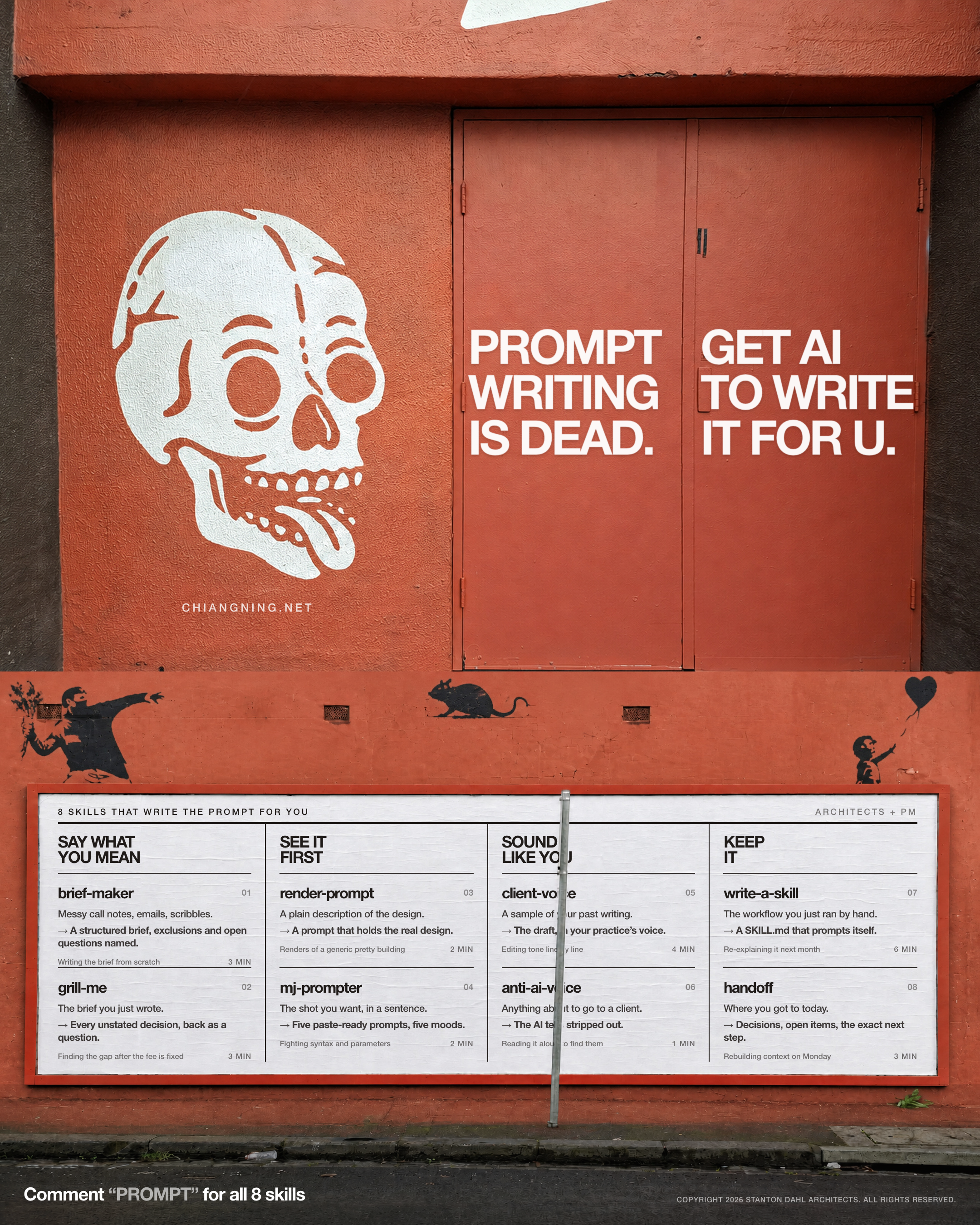
What this doesn't do
Eight skills, and between them they retire the phrasing, the re-typing, the tone-editing and the Monday reconstruction.
None of them stand on site and notice the blockwork is not the standard you specified. None of them know which fights are worth having with this client, on this job, this week. None of them can tell you whether the fee is enough, because that answer lives in how much appetite you have for the risk.
And none of them decide what you are willing to put your name to. A certificate is signed by a person. That does not change because the drafting got faster.
Prompt writing was never the skill. Knowing what you actually want, and being willing to be asked about it, always was.
All eight ship inside the master pack: The AI Framework for Architects + PM — 56 skills, de-duplicated, one download, no email wall. The prompt-writing four (brief-maker, grill-me, client-voice, write-a-skill) also ship in Scope, Fee, Claim, Certificate, the image pair sit in The AI + Architecture Playbook, and the two voice passes in Claude’s Secret Codes.
Comment “PROMPT” on the LinkedIn post and I'll send the pack that matches whatever you are stuck on this week.