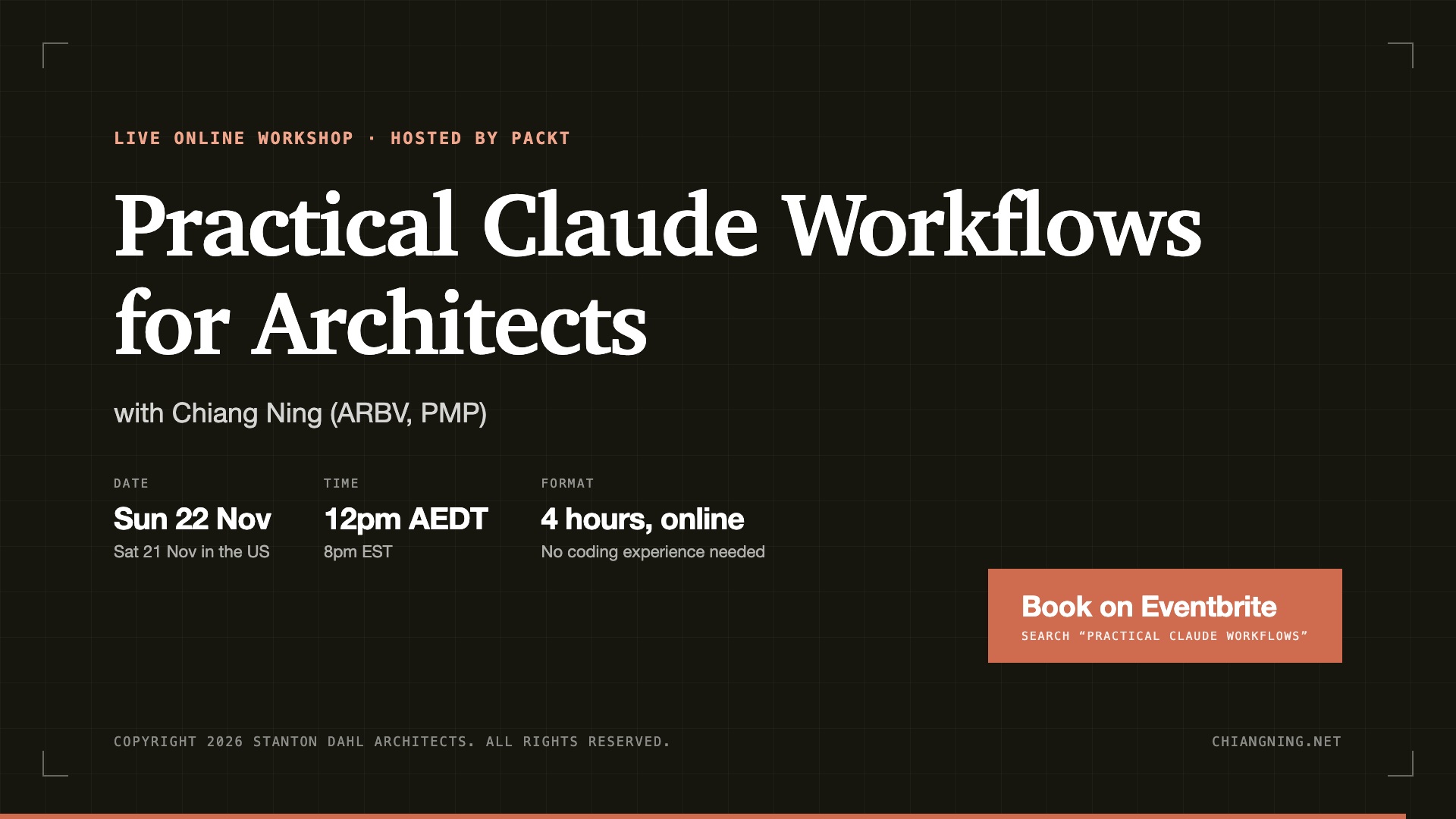
Practical Claude Workflows for Architects
The 6 levels of AI adaptation for architects and project managers, from a chatbot to Claude working inside a live BIM model.
Most architects still use AI as search. Ask a chatbot, get a confident answer, call it done.
That leaves money on the table. There are 6 levels of AI adaptation, and this workshop walks through all of them: the repetitive monthly work (the progress report, tender comparisons, fee proposals), then AI inside Revit and ArchiCAD, parametric design in a proposal, and high quality visualisation.
Accountability and creativity stay with you, where they belong.
NEW THIS SESSIONWhat's new
- BIM integration. Claude working with Revit and ArchiCAD, custom library parts, and a vibe-coded parametric design tool connected to BIM.
- 3D modelling integration. Rhino, SketchUp and Blender: what works now, and where the limitations are.
- 3D architectural animation. Turn a 3D model into presentation animation: time lapse, the 2D drawing to 3D model effect, and AI image and video generation.
- Skill files for 3D builds. Preset skills you can reuse to create similar effects.
OPEN + LEVEL 1Chat
Why a chatbot gives opposite answers to the same question, and the rules that stop it. This is a refresher; the full guide comes as pre-reading.
LEVEL 2Context
A construction programme with no context, then again with the brief, geotech and survey loaded. Watch the footings change and take the critical path with them.
LEVEL 3Delegation
Stop operating AI and start briefing it. A folder of tender submissions goes in; a comparison with exclusions flagged comes out. I reject part of the output live.
LEVEL 4AMCP and BIM
Claude working inside a live Revit or ArchiCAD model. Audit the model, and generate data sheets straight from it.
LEVEL 4B3D modelling
AI with Rhino, SketchUp and Blender. What works with the latest model, and where the limits are.
LEVEL 5Claude Code and Skills
Build a fee proposal skill from nothing, then run a chain of skills on a real brief.
LEVEL 6End-to-end workflow
The monthly report, the job every project has and nobody enjoys, assembled start to finish.
CLOSEGuardrails and Q&A
You sign it, so you read it. What AI should not touch, and 5 things to do this week.
ACCOUNTABILITYYou're still the architect
You answer to your client and your registration board. The work is still yours, assisted by AI.
WHO IT'S FORArchitects and project managers
For people already using AI who suspect they're stuck on the first rung. No coding experience required.
I'm an architect and project manager with more than 20 years in the industry: residential towers, a shopping mall, schools and churches. For the past 2 years I've been researching and applying AI in real architect and PM workflows.
WHAT YOU GETIncluded
- A live session with Q&A (ask in the chat any time; I answer live)
- The slides and the recording
- Prompt packs and skill packs
Book on Eventbrite: search "Practical Claude Workflows".