[Free Skill] Opus 5.5 → architecture portfolio
My projects, images and videos, bound as a leather hardcover on a studio desk. Here is how I made it, and a free skill so you can make one from your own work.
Most architecture portfolios are a grid of thumbnails.
I'd seen an interactive fashion editorial where the pages curled, images lifted off the paper and an object floated over the contents page, and I wanted that feeling for my own projects. So I recorded it, and handed the recording over.
Section 01I gave it a screen recording and 1 line
The recording was 52 seconds of someone browsing the magazine. (I've fixed typos in my notes. Otherwise they're as I typed them.)
I want to use this technique to create an interface for my website showing all my projects.
Then 3 short lines to set the job: 16:9, 30 seconds, it's for a LinkedIn post, and don't put it on my website yet.
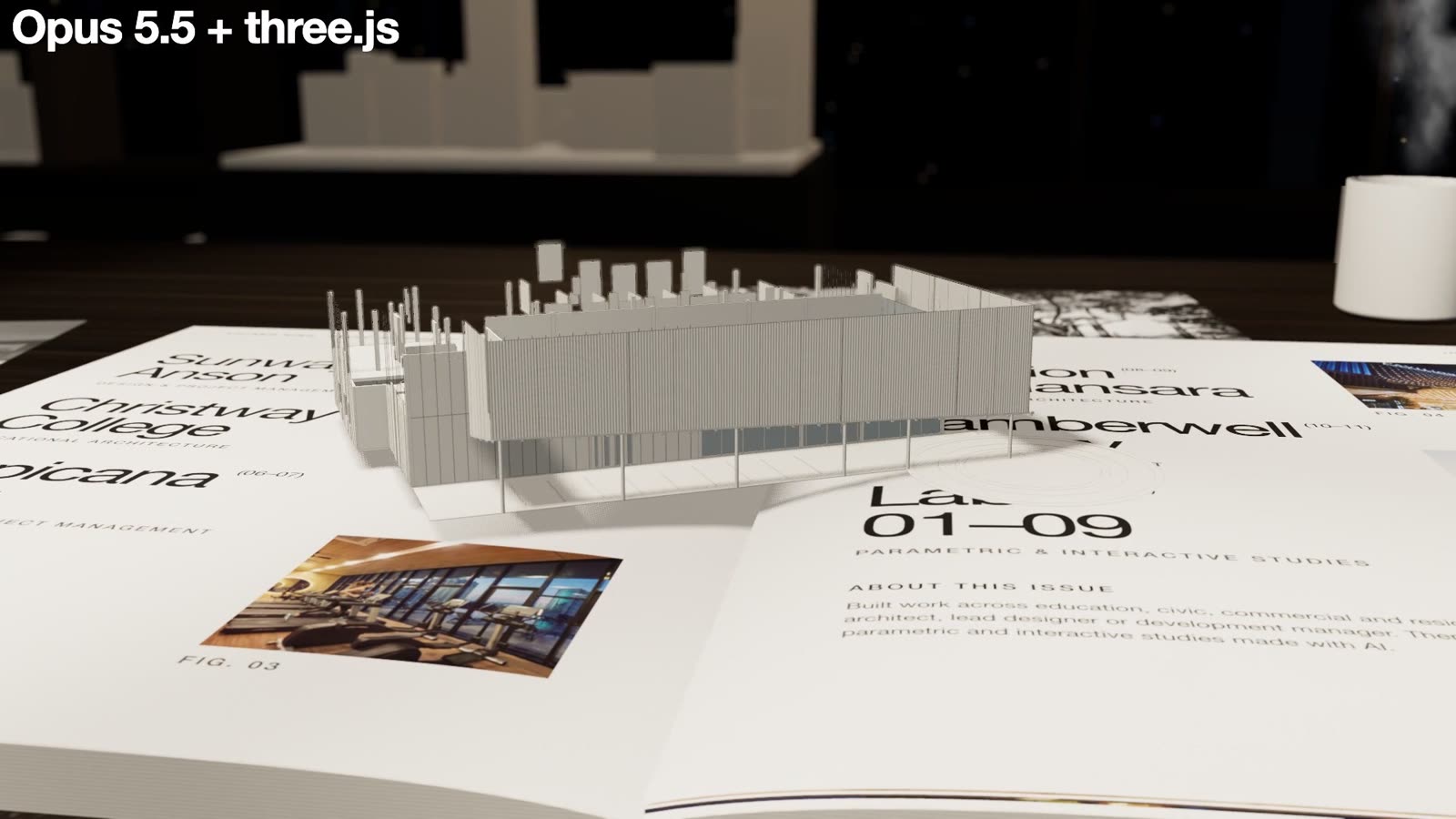
I used Claude Code running Opus 5.5 for everything. It watched the recording frame by frame, picked out the moves that make it work (the close drifting camera, pages that peel, a cut-out that lifts off the page, a big typographic contents spread), and pulled my projects, labs and images out of my website's own files. It built the whole thing in three.js: every page is drawn as a real layout on a 6 column grid, and every frame is rendered in a browser.
I asked for one more thing at the start:
Spawn an agent who is a reviewer and expert graphic designer for the graphic design part.
That reviewer read the first stills and was blunt. The opening was a grey box instead of a magazine, the small labels turned to grey dust at video size, and the running header repeated on both pages. All of it got fixed before I saw the film.
Section 02Then I told it what I actually wanted
The first cut was good enough to react to, which is the point of a first cut. My notes on it were long:
I want you to play the video that's inside the magazine. That 3D model, I want it to pop up if I click on the project. The original has these intermediate pages, almost like tracing paper. I don't like Helvetica Light. I'd rather keep Helvetica regular.
And a minute later:
It's not really a magazine. It's more like a thick portfolio book with a hardcover.
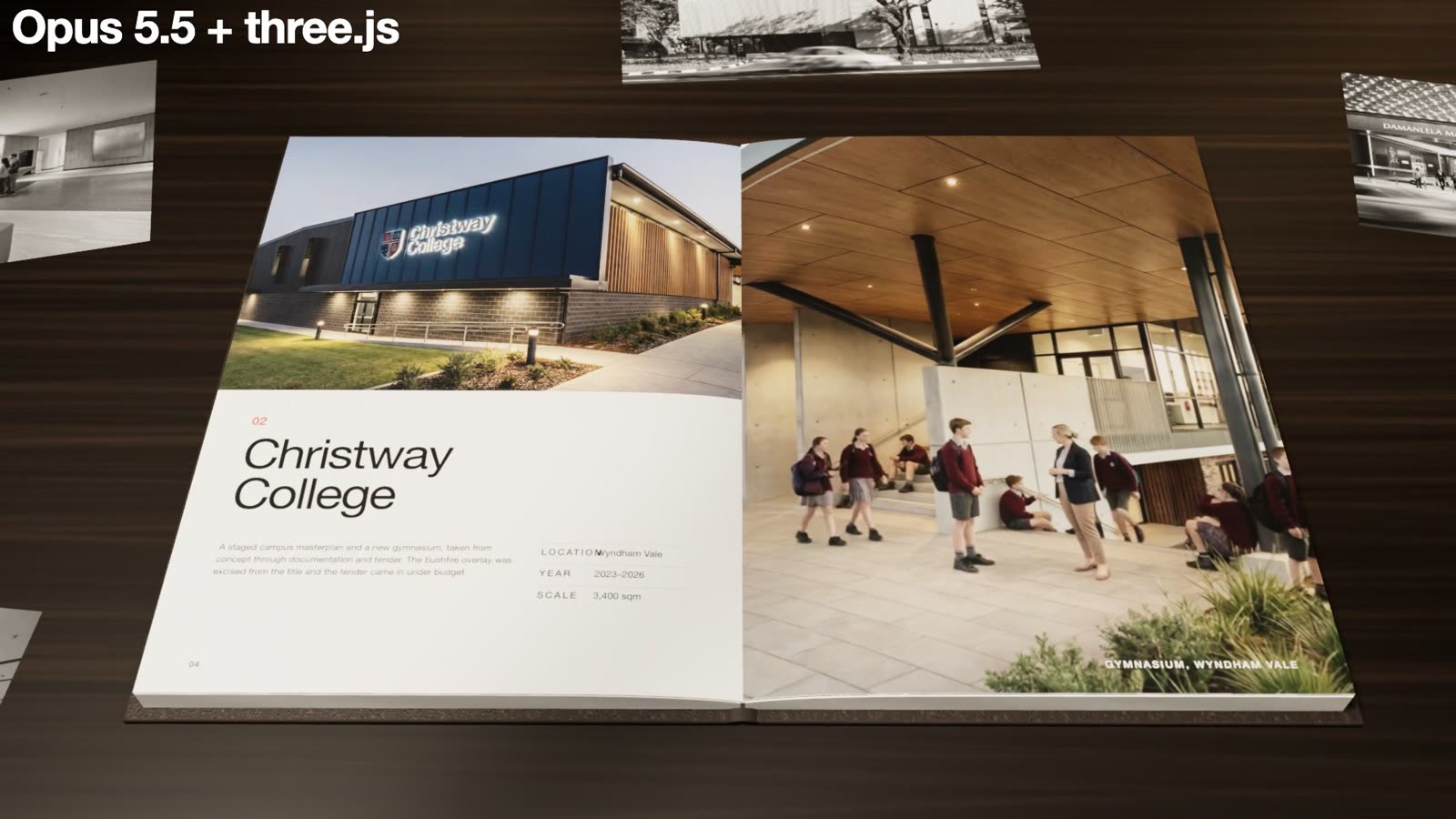
So the magazine became a leather hardcover with a deep page block, my project videos play inside the photo slots on the page, and a sheet of tracing paper lies over the first project.
Section 03Most of my notes were about what to take out
I said no far more often than yes. A few of them:
In this view, I don't need the 3D model. It looks a bit strange.
That was a line drawing of the building printed on the tracing paper. It went. So did a pull quote on the same sheet, because it sat on top of the text underneath.
I don't need the video to float above. It can stay within the page.
I changed my mind about showing the model here. It's a bit distracting.
The 3D model popping out of the contents page was my idea, and it was wrong. What worked was moving the build to the very start: the building assembles itself out of the page, piece by piece from the ground up, and it's gone by frame 200.
15th to 25th second, it's too close to the page. Not only does the video come out low res, I don't get to see the other key info on the 2 pages.
The camera can move, but I want the camera movement to be supplementary to the content of the book. The focus should be on my work.
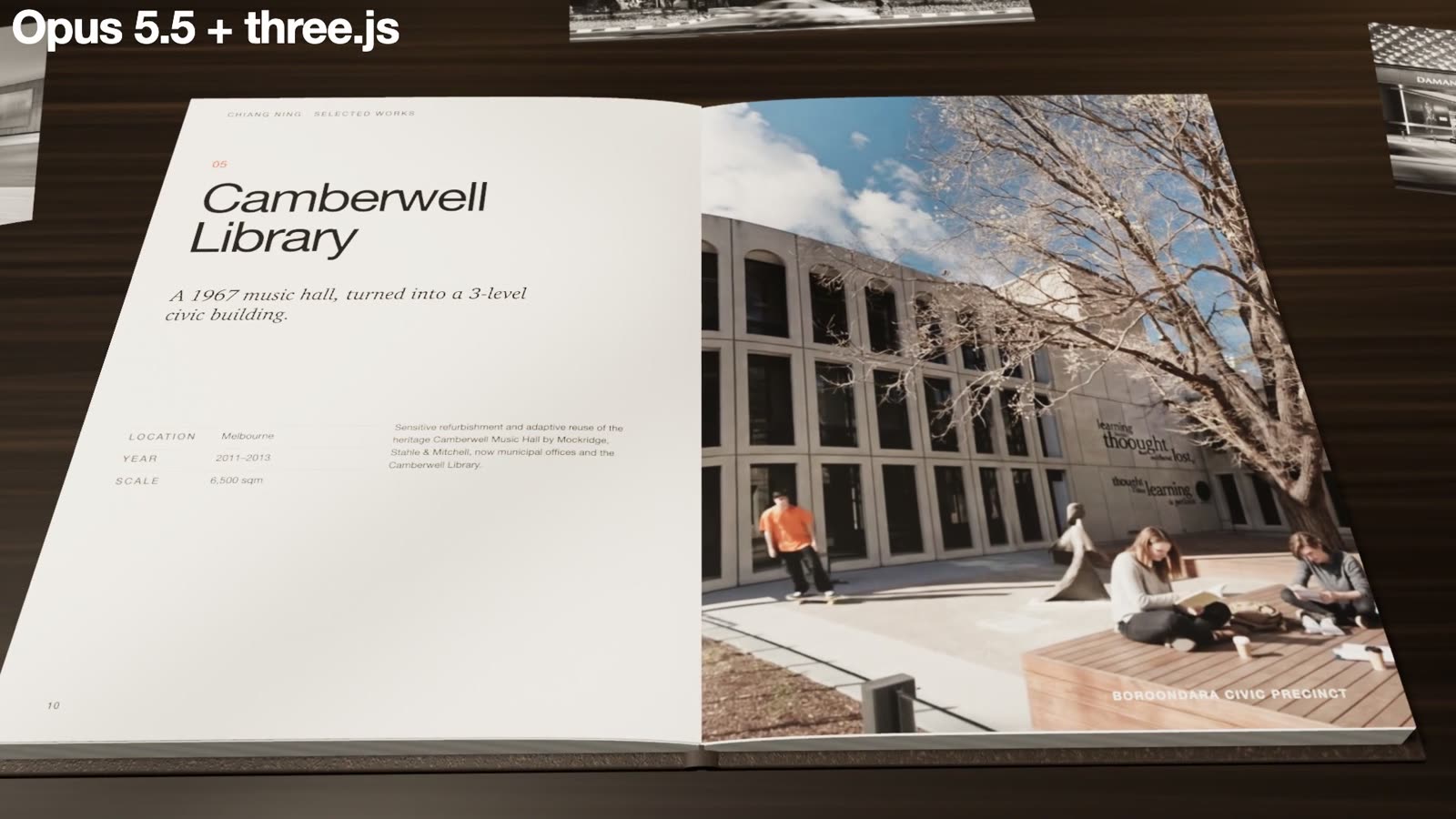
That last note changed every shot after the opening. The camera now sits square on each spread with both pages readable, and only pushes in slowly.
Section 04Pacing, the cover and the sound
Once the pieces were right, it felt rushed. My note was:
Make the animation really nice and professional. It can exceed 30 seconds. I just need it to be paced really, really well.
A second reviewer agent, this time a motion designer, watched the cut at 2 frames a second and wrote a beat sheet. Each project video gets 2.6 seconds settled on the page, the camera only travels one way through each section, and nothing snaps back. The film grew from 30 seconds to 47, and it feels shorter.
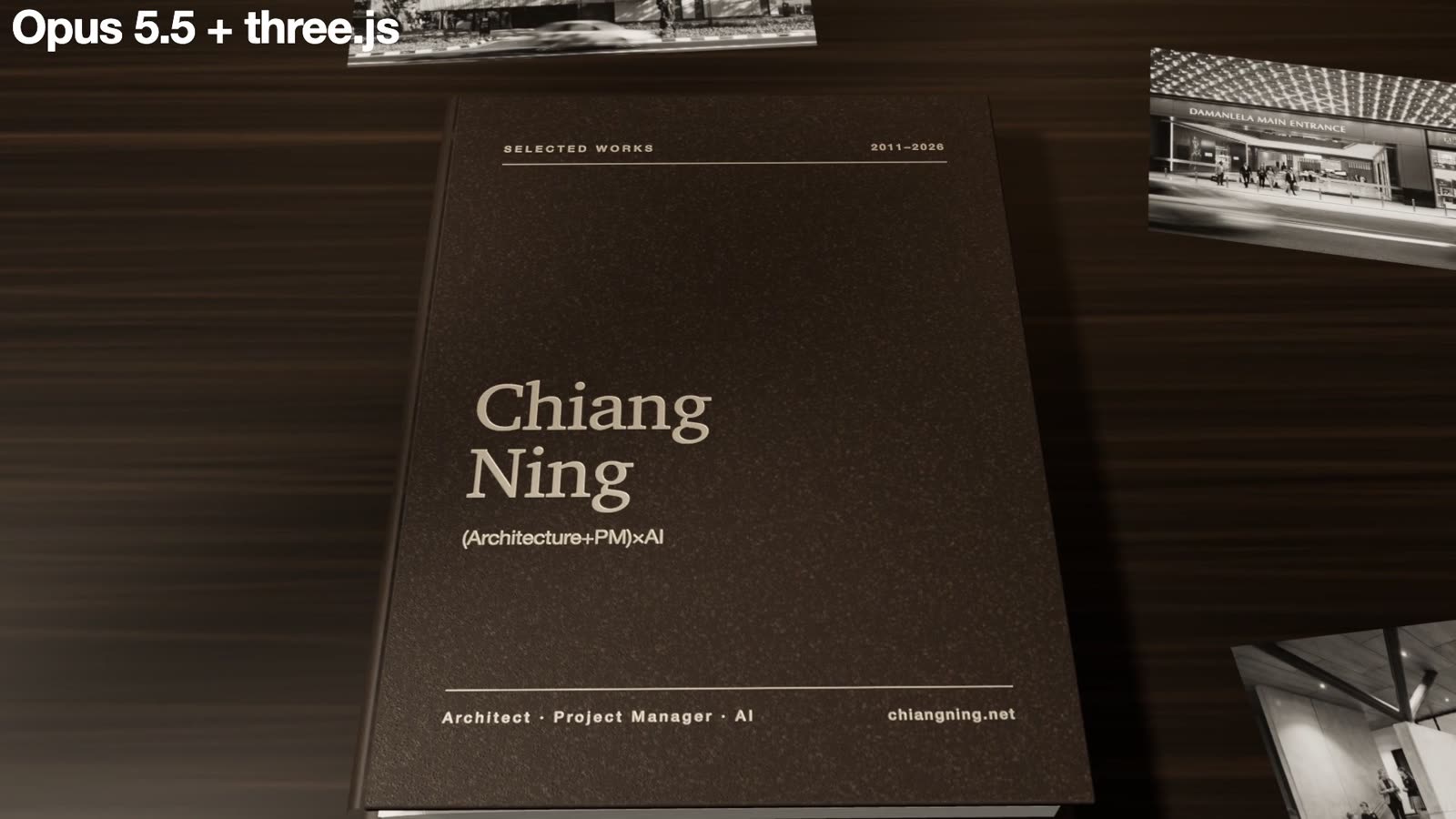
At the end, all the pages close and you can see the book cover. Something like a portfolio for Chiang Ning, but more stylish.
The left half of the book swings over on the spine and closes. The camera lands square on a dark leather cover with my name, my tagline (Architecture+PM)×AI, and chiangning.net in pale foil. My only correction was that my name was too big. It's now about 40% smaller, and it reads like a book rather than a poster.
I asked for a page turn sound on every turn. The first version was generated, and my reply was 3 words:
Sounds are horrible.
Generated paper doesn't sound like paper. I downloaded 2 real page turn recordings and it fitted them to each turn, so the slap lands as the page touches down. The music came from my own folder of tracks.
I gave about 50 notes over 13 cuts. None of them explain how to build anything. They say what looked strange, what was too close, what was too big, and what I'd changed my mind about. AI did the making. It didn't decide that the model was distracting where it was, that the camera should serve the work, or that my name was too big on my own cover. I did.
Section 05Get the free skill
I've packaged the whole method as a Claude skill. You give it your projects, images, videos, an optional 3D model of 1 building, your name and your tagline. It lays out the book, plays your videos in the pages, builds the model at the start, turns the pages, closes on your cover and renders the film.
Download the portfolio book skill (zip, 498 KB) portfolio-book-skill.zip · SKILL.md · INSTALL · template · freeWhat you need
- Claude Code, Node 18 or later, ffmpeg, and python3 with numpy and scipy.
- 3 to 6 projects: 1 or 2 images each, a short paragraph, a location, a year and a scale. A short video per project if you have one.
- Optional: up to 9 smaller studies or labs, and a .glb model of 1 building for the opening.
- A page turn sound and a music track you have the rights to.
Install
- Unzip it and copy the
portfolio-bookfolder into~/.claude/skills/. - Inside
portfolio-book/template, runnpm installonce. - Open Claude Code in a folder with your images and videos, and ask:
Use the portfolio-book skill to make my portfolio book from the projects in this folder.
What happens next: it asks for your projects and files, writes them into 1 content.json, renders test stills at the key moments so you can check them, and only then renders the full film.
What I would tell you before you copy it
The technique belongs to the fashion site I recorded. I haven't reproduced their pages here, and you should bring your own projects to it, not theirs.
This renders frame by frame in a browser, so a 47 second film is about 1,400 frames and takes a while. The page curl is stylised, not a physics simulation. Video slots play 5 second loops, so pick the strongest 5 seconds of each clip. Use music and sound effects you have the rights to.
And say no a lot. Most of what made mine work was taking things out.
Make it a book.
I post AI content for architects every day. Follow me on LinkedIn if that's useful to you.