If the building changes between the start frame and the end frame, the flythrough becomes a sequence of related images rather than a sequence through 1 building. The materials shift. Openings move. The camera loses its position. A door becomes a window, or the whole facade changes between cuts.
For architecture, that is a serious limitation. The design has to remain recognisable while the camera moves through it.
The workflow shown here uses Blender as the bridge between accurate design control and AI-generated motion.
The problem with direct image-to-video generation
The simplest workflow is to give a video model an image and ask it to move the camera. It can work well for a mood study. It is much less reliable when the building itself matters.
The model is not reading a building model. It is predicting what the next frame should look like based on the image, the prompt and its training. The output can be visually attractive while still drifting away from the original design.
The more key frames you provide, the more obvious the problem can become. Each frame gives the model another interpretation to reconcile. A strong start frame and a strong end frame do not guarantee a stable sequence between them.
Blender as the control layer
The Blender model does not need to be a finished production model. It needs to hold the design decisions that should not change while the camera moves.
- the building massing
- the location of openings
- the material relationships
- the camera position and direction
- the sequence of views through the building
I used GPT-6 Astra to create a Blender role for the scene. That role helped structure the building, camera and movement before the video model was asked to generate anything.
Blender is not replacing AI image generation. It is giving it something stable to follow.
The 3-frame workflow
The process uses 3 anchor frames:
start frame → middle frame → end frame
The start frame establishes the approach to the building. The middle frame shows the transition into the space. The end frame gives the sequence a destination.
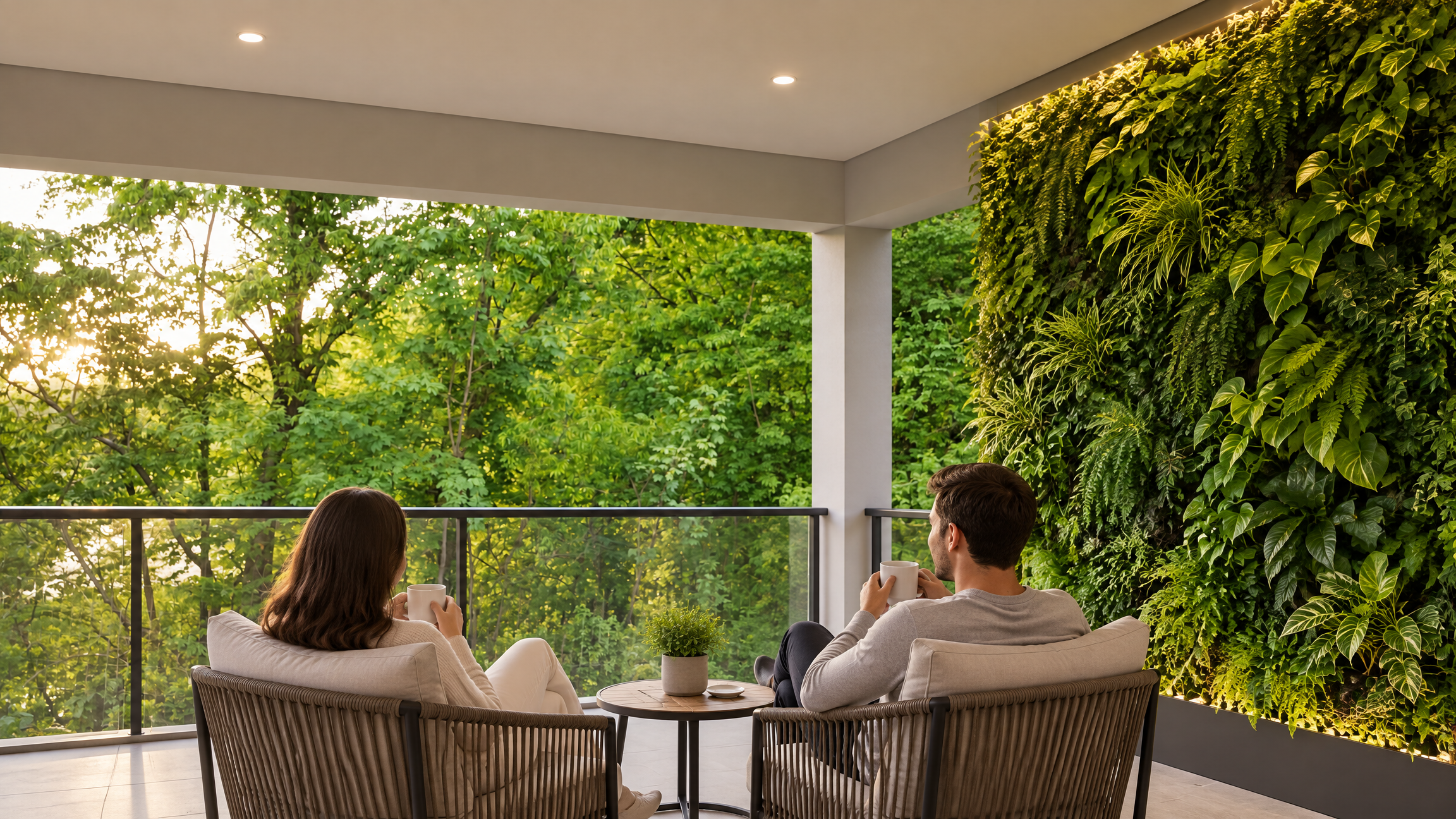
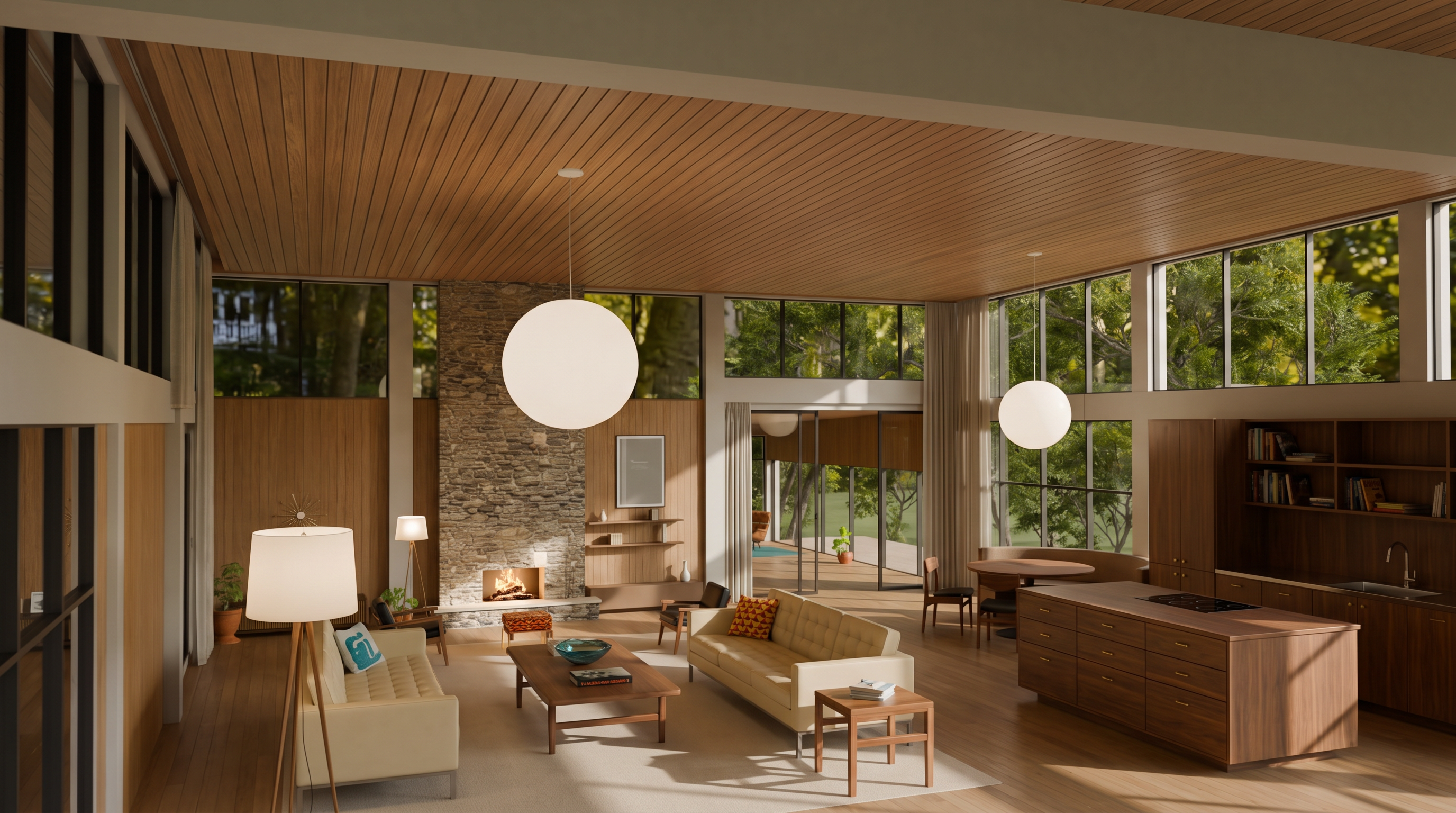
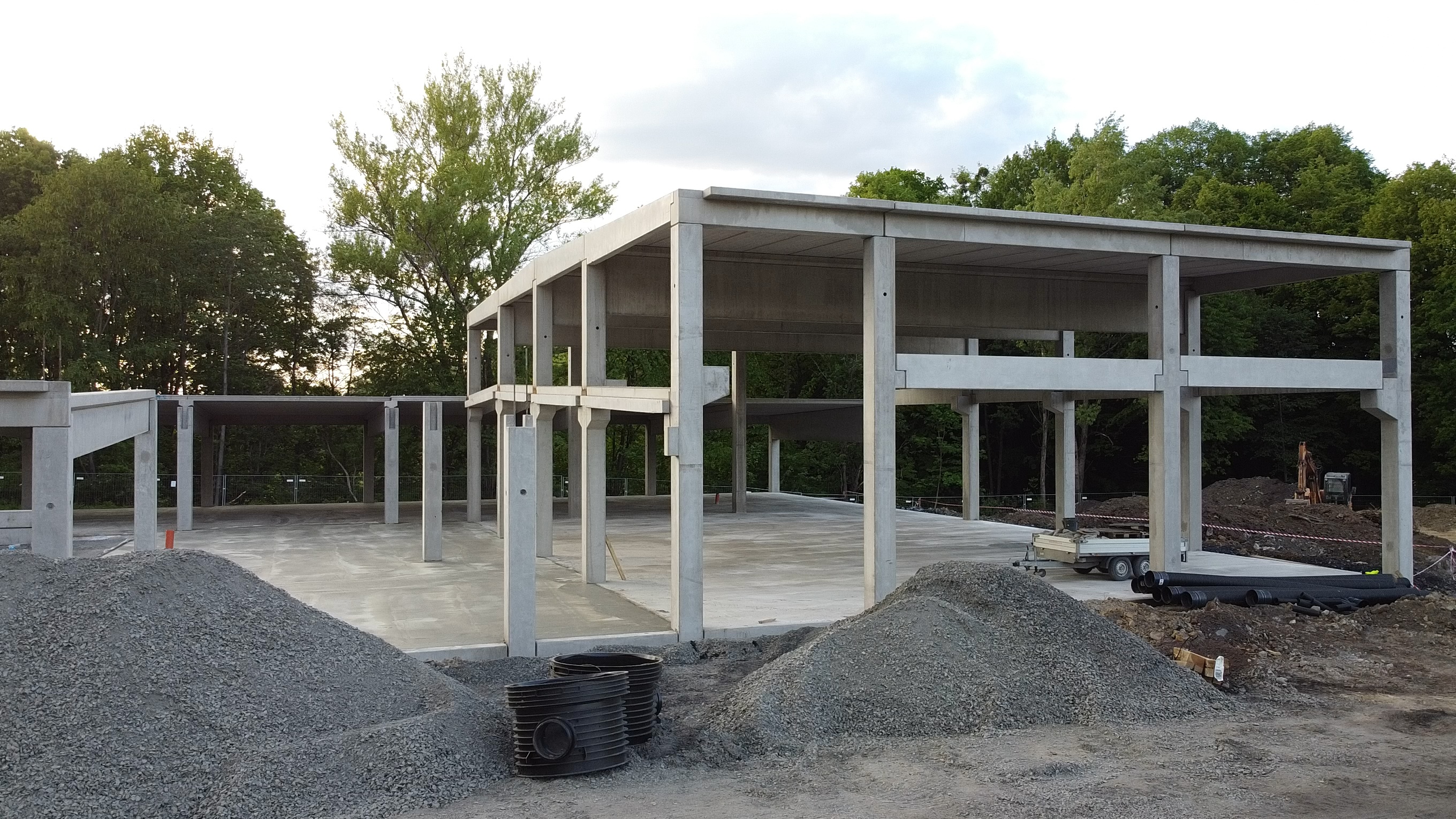
The 3 images were generated with Nano Banana. The prompts focused on the architectural qualities that needed to survive into the sequence.
Seedance generates the movement
The 3 anchor frames were then run through Seedance 2.5. The prompt asked the camera to move forward slowly as a woman and her dog approached the house. The entrance doors opened automatically. The camera continued into the interior, where people were using the space, before moving smoothly towards the final balcony view.
The mood was bright, happy and welcoming. The instructions also specified no morphing, no transformation and no flickering.
Audio was enabled in OpenArt, with the sound direction moving from exterior nature sounds into interior ambience and no background music.
What Blender solves, and what it does not
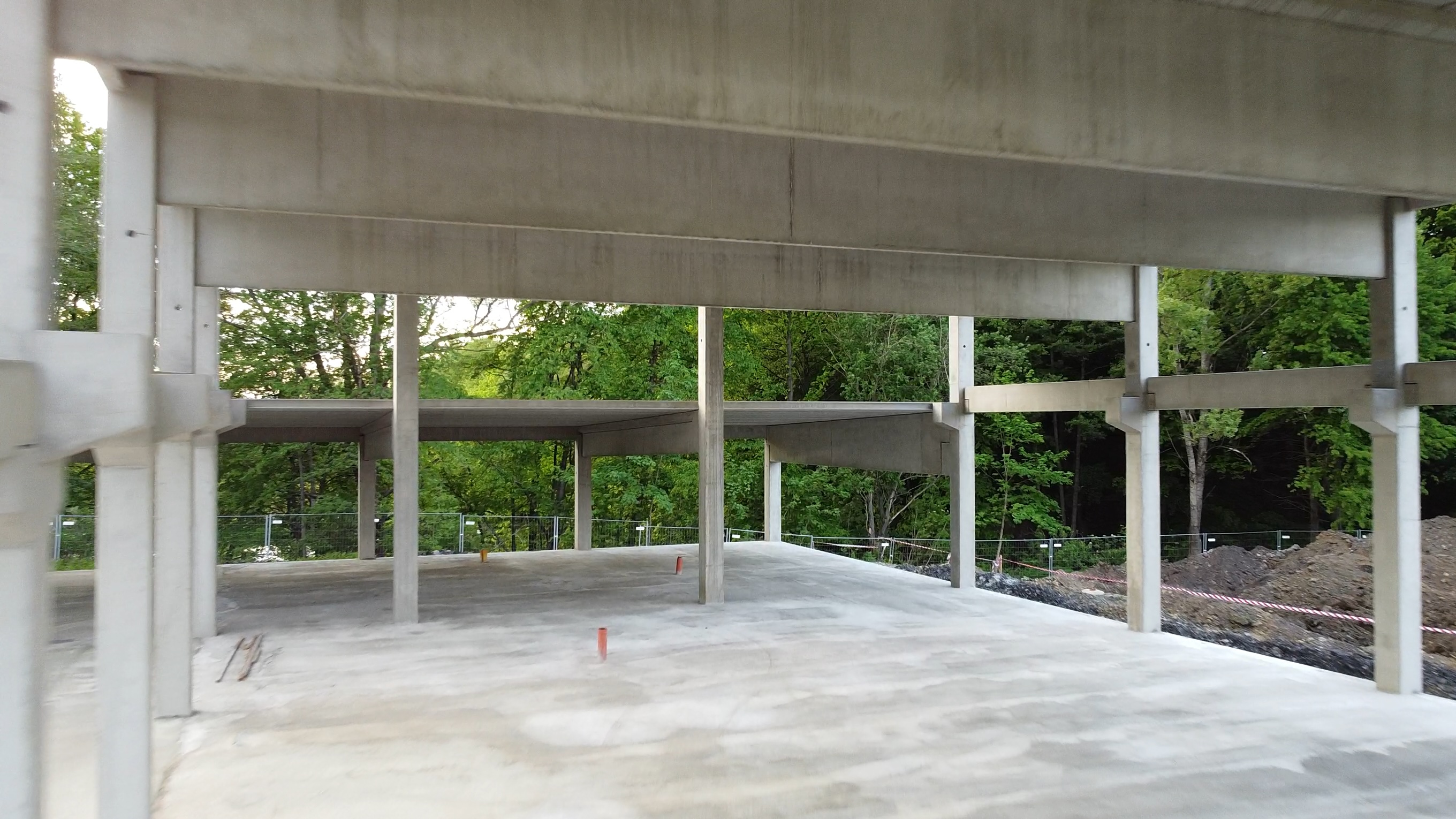
Blender solves the part that AI image generation finds difficult: accurate design control. The model can keep the building's basic geometry, camera position and material logic consistent. It gives the image model a stable reference rather than asking it to reconstruct the building from a single image.
It does not make the final video physically accurate automatically. Seedance is still generating the movement between the frames. It can soften edges, shift details and lose precision near the end of the sequence. People and animals can also become unstable if the prompt asks them to move while the camera is moving through a changing environment.
That limitation is important. The output is a visual study, not a construction document and not a controlled 3D animation.
Why this matters for architects
Architects are used to working between drawings, models and visualisations. The same separation is useful here.
The 3D model is the source of geometric intent. The generated images are interpretations of that intent. The video model is a way of testing movement, atmosphere and communication.
Without the model, the workflow is fast but unstable. With a full production model, the workflow is controlled but slow.
The Blender bridge sits between those 2 conditions. It keeps enough of the design fixed to make the AI output useful, without requiring every test to become a finished animation.
The useful question is not whether AI can make a beautiful building image. It clearly can. The useful question is whether the same building can survive the journey from one image to the next.
Blender gives it a better chance.