The floor plan became a parts list. (every brick numbered)
I built an app that turns a plan into a buildable LEGO model. Not a render of one. An actual, orderable list of bricks. Here is how it works, and a live version to play with.
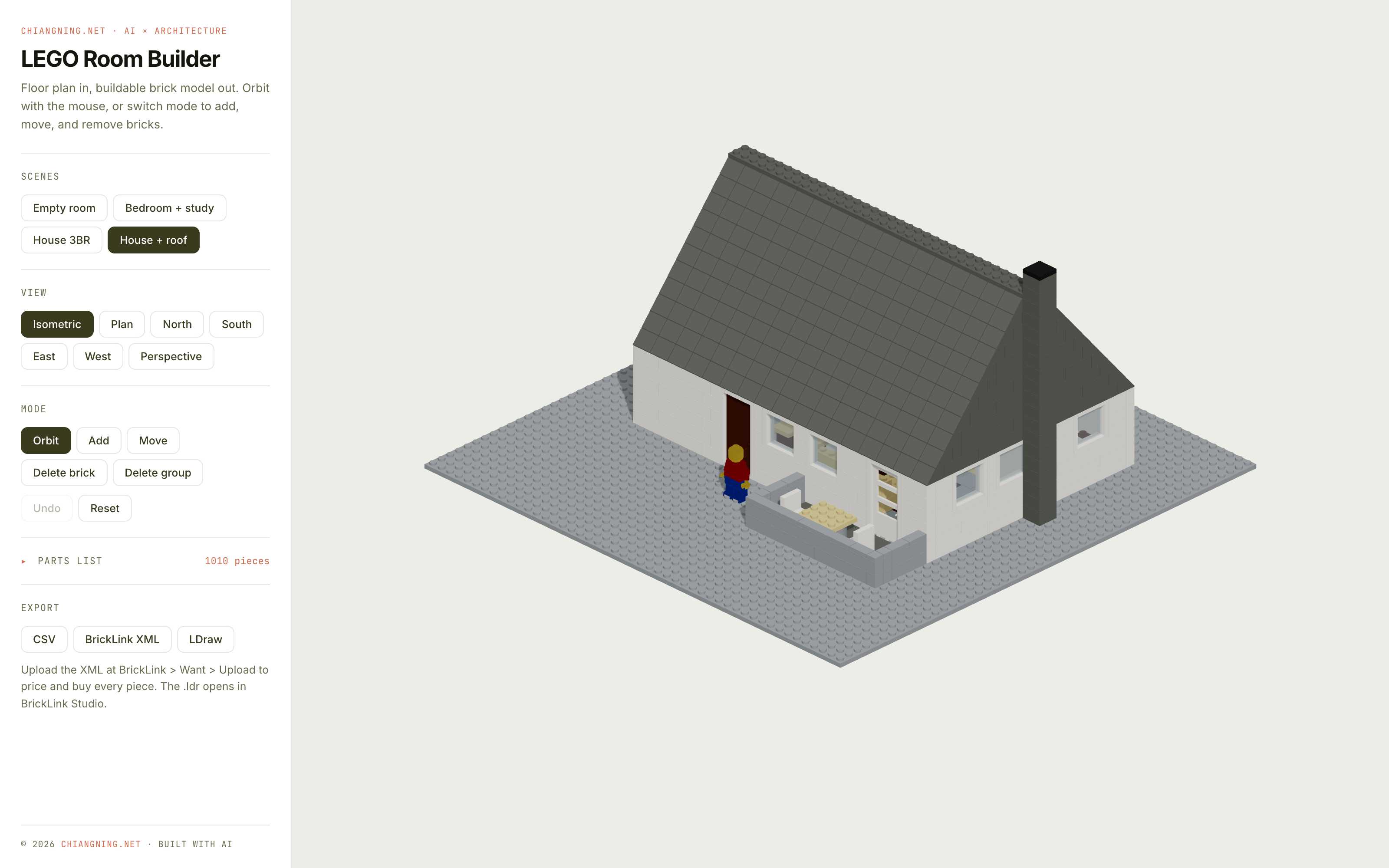
This is not a picture of a LEGO set.
It is a parts list that happens to be 3D.
You pick a scene, orbit it, add and delete bricks, then hit export. What comes out is a bill of materials with real LEGO part numbers and colours, ready to price and buy. The model on screen and the order form are the same object, seen two ways.
Move 01The model is just a list
Under the whole thing sits one idea, and it is boring on purpose.
Every scene is a flat list of placements. Each placement is six values: which part, which colour, its position on the grid, how high up it sits, and how it is turned.
That is the entire data model. One studded LEGO grid, one stack of these little records.
Everything else reads from that list. The 3D view draws it. The editing tools mutate it. Every export is just the same list, printed in a different dialect. There is no separate "3D file" and "shopping list" that can drift apart, because there is only ever the one list.
It is the same discipline as a good BIM model: one source of truth, and every drawing, schedule and take-off falls out of it. Here the source of truth is small enough to hold in your head.
Move 02Real walls, laid in real bond
A wall that looks right but cannot be built is useless.
So the walls follow the rules a bricklayer would. One stud thick. Laid in running bond, so the joints in one course land over the middle of the bricks below, never in a straight line. Corners interlock, courses alternating direction, the way real masonry ties a corner together.
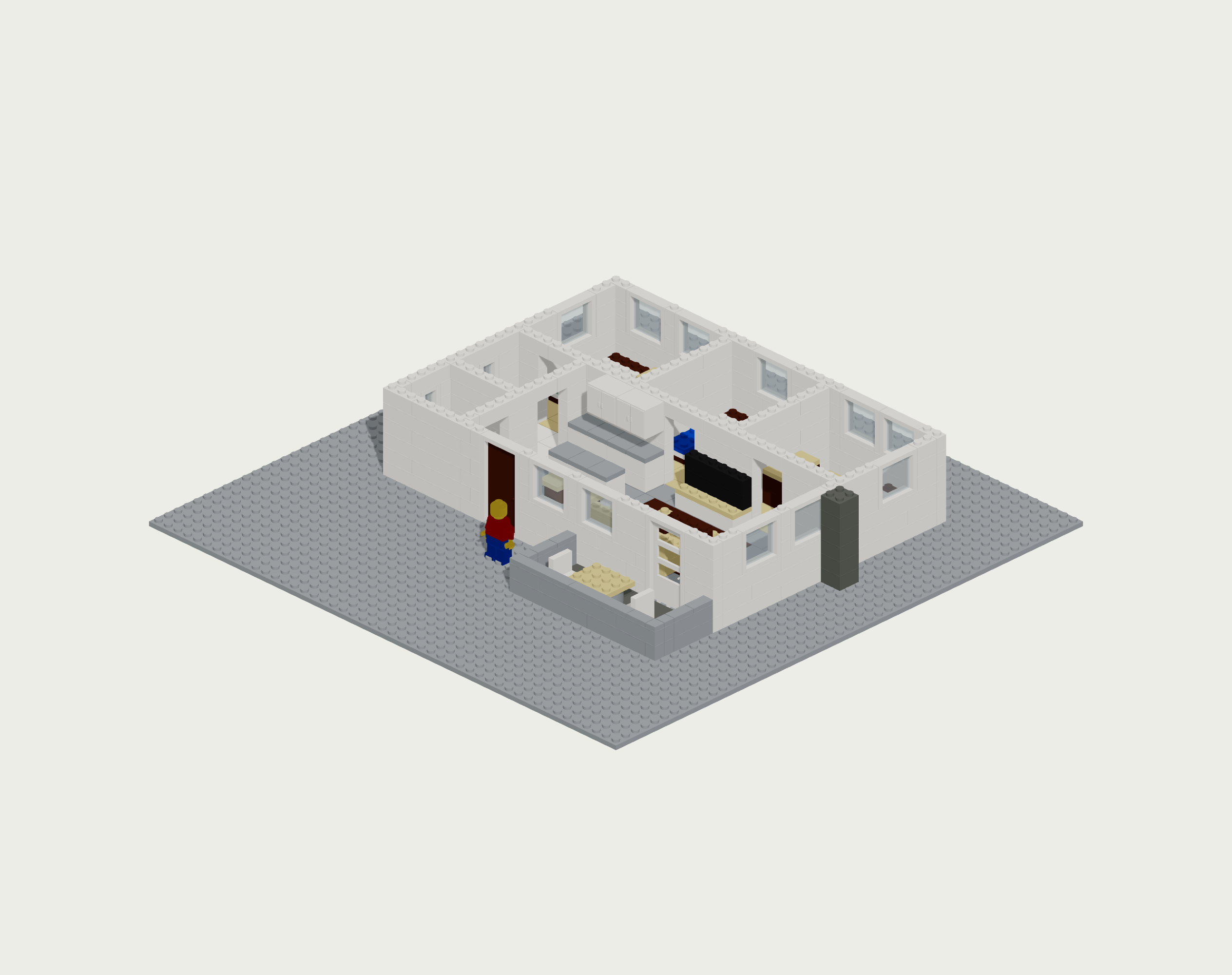
Windows and doors are not painted on. They are openings carved out of the courses, sized to real LEGO window and door elements, with a sill below and a header above. Move the roof off a house and you can walk the plan: three bedrooms, two bathrooms, a kitchen, a living room, each with a doorway you could actually pass a minifigure through.
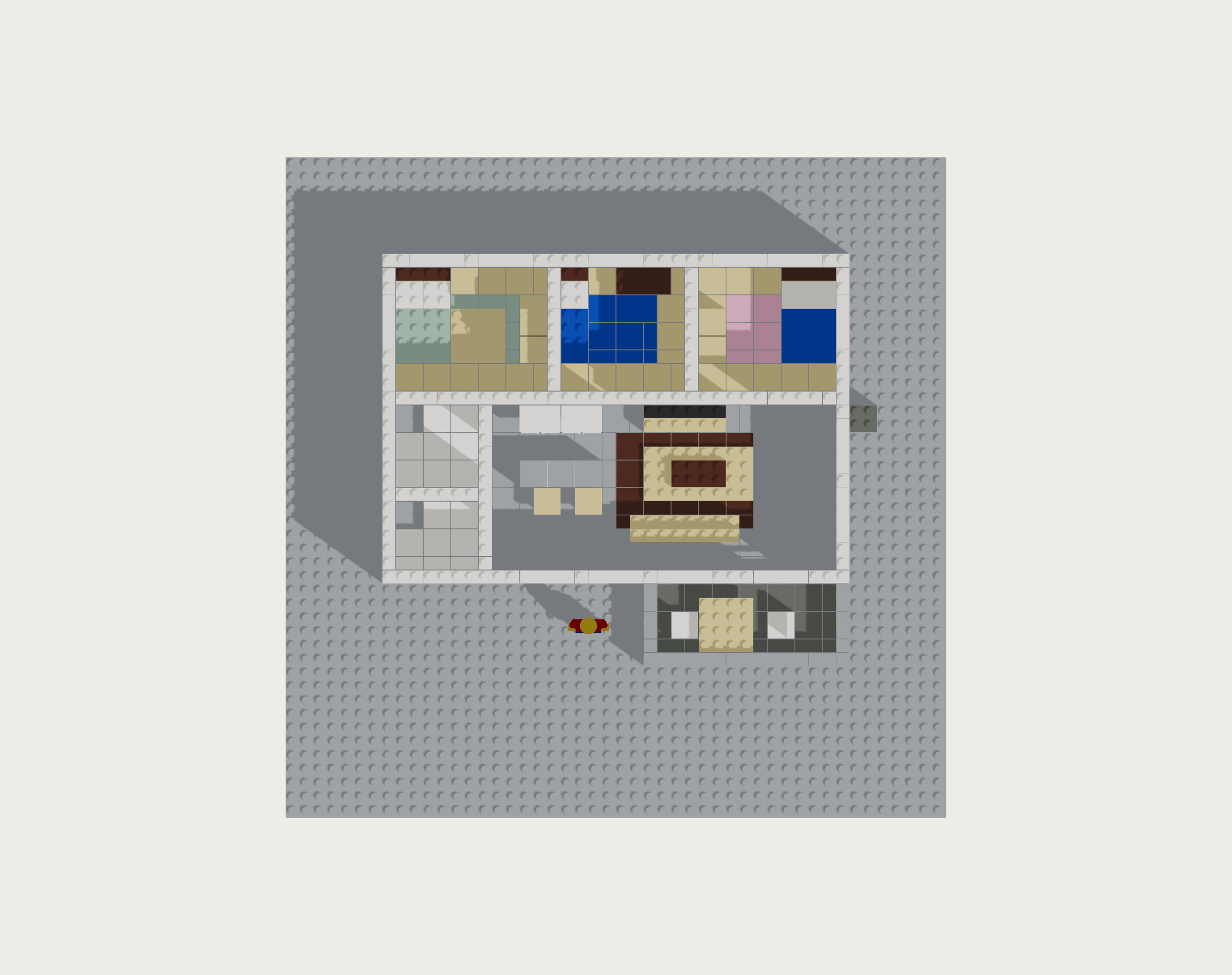
The floor finishes are the same trick, one level down. A carpet is not a special object. It is the ordinary floor tile, in a different colour, laid flush with everything around it. Change the colour, and the concrete slab becomes a rug. Exactly how you would actually build it.
Move 03Every part is a part you can buy
This is the part that makes it real rather than decorative.
Every brick in the catalogue carries its true LEGO design number and a real colour code. A 2×4 brick is part 3001. A smooth 2×2 tile is 3068b. The window is a genuine 1×4×3 frame with its own glass element. The door is a real door frame with a real leaf that swings inside it.
Nothing is invented. If it appears in the model, it exists in a bin somewhere, with a number.
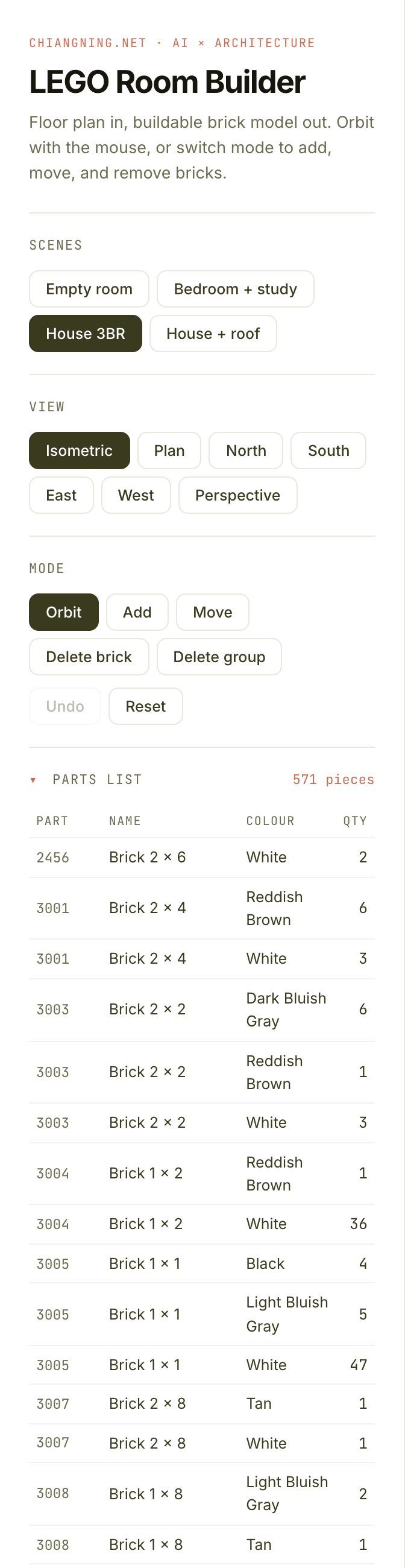
Open the parts panel and the whole model resolves into a table: part, name, colour, quantity. Add a brick and a row ticks up. Delete a wall and the counts drop. The tally is never an estimate. It is a census.
Move 04From model to order form
A model you cannot act on is a toy. So there are three ways out.
CSV gives you the plain bill of materials: design number, colour, and the exact quantity of each, ready for a spreadsheet.
A BrickLink wanted-list file is the one that surprises people. Upload it to BrickLink, the global marketplace for individual LEGO parts, and every piece in your house gets priced across real sellers. The model becomes a checkout.
An LDraw file opens the whole thing in Studio, LEGO's own free CAD tool, for a photoreal render or a printed, step-by-step instruction booklet.
The point: the thing on screen is not a visualisation of a model. It is the model, and the order for it, and the build instructions, all falling out of that one small list.
Move 05Where it falls short
Here is what it will not do, because overselling it would be the easy lie.
It does not check that a wall can carry its own weight, or that a floating shelf would actually stay up. It counts pieces; it does not do statics.
It does not know which colours are still in production. A part number and a colour code are always valid on paper; whether a seller has that exact combination in stock is a question only the marketplace can answer.
And it does not design the building. You still draw the plan. It just turns your plan into something you can hold.
That last limit is the whole point, and it is the same limit as every AI tool worth using. The model does the counting, the coursing, the bookkeeping, the tedium. The judgement about what is worth building stays with you.
A study model used to cost a week of balsa and a laser cutter. Now the plan turns into a physical model on its own, parts list included.
Imagine this pointed at real work. Every plan you draw, turned into a buildable model for a client to hold. Study models, presentation pieces, competition tables. No workshop, no overnight cut.
The tool changes. The plan still has to be good.
Build one yourself →Try the live builder above.
Switch scenes, orbit the model, add and delete bricks, then export the parts list. Every piece in it is real.